If you use a 3d ai generator to create or simplify models, this guide explains why a low triangle count may not produce a convincing low-poly look. It shows how normals, materials, shading, and silhouette affect the final result.
A small triangle count does not automatically produce the hard facets associated with low-poly art. This troubleshooting guide separates mesh density from shading, materials, and silhouette so you can fix the look without blindly deleting more geometry.
The short version
- Triangle count controls how much geometry a model contains; it does not decide how faces are shaded.
- Smooth normals can make a reduced mesh look rounded, even when the geometry is genuinely low density.
- Photographic textures often make a simplified model look blotchy, while solid colors make the facets easier to read.
- Decimation is useful for static props, but it does not create clean quad loops for rigging or deformation.
Low triangle count is only the mesh budget
The easiest way to see the distinction is with a low poly generator. SupaVoxel generates a detailed model from a picture, then leaves the visual reduction choices to you. Showcase models on the page are around 500,000 triangles before reduction. A Blender Decimate ratio of 0.01 can bring that kind of mesh to about 5,000 triangles.
That reduction changes the geometry, but it does not automatically create the visual language people mean by “low poly.” A mesh with 5,000 triangles can still look smooth, glossy, and photographic. Another mesh with the same count can look deliberately faceted, graphic, and blocky.
The difference comes from three separate decisions:
- Geometry — how many triangles define the surface.
- Normals — whether lighting is averaged smoothly across faces or split at each face.
- Material and silhouette — whether the model uses photographic detail and whether its outline reads clearly.
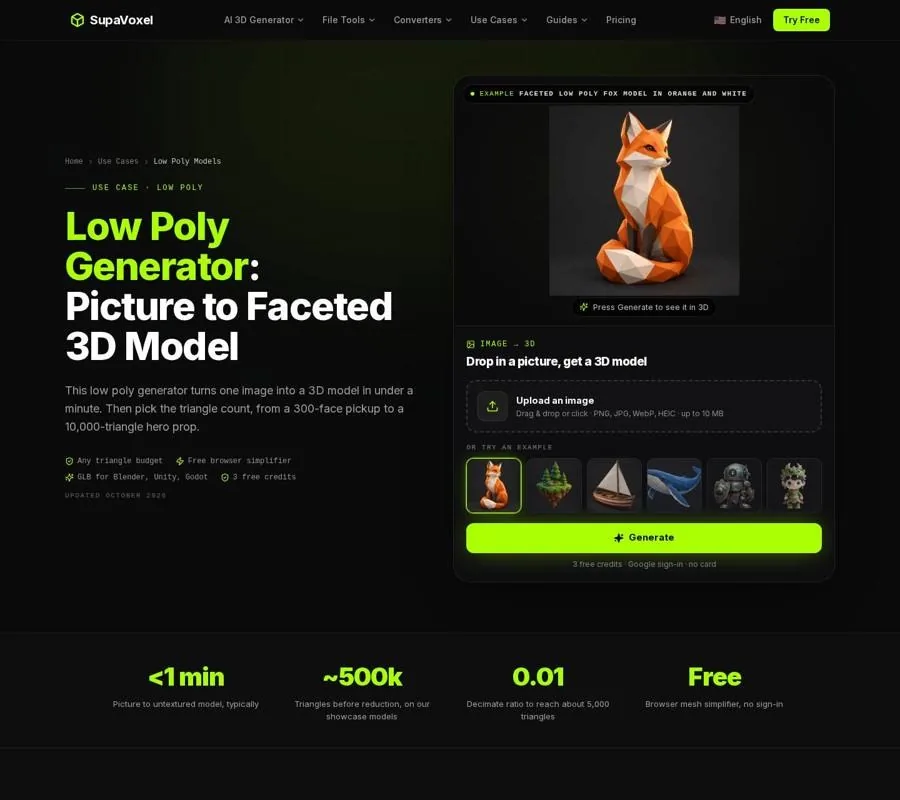
The Low Poly Models page separates dense model generation from the later decimation and shading steps.
Decimation is also not retopology. It removes triangles while trying to preserve the outline, but it does not rebuild clean quad loops around shoulders, elbows, knees, or other bending areas. That makes it useful for static props, vehicles, furniture, scenery, and other objects that do not need deformation. A character intended for animation needs retopology and rigging after the reduction.
Smooth normals can erase the facets
A polygon is a flat surface, but the renderer does not always light it as an isolated flat surface. With smooth shading, the vertex normals are averaged across neighboring faces. Lighting then flows across the triangle boundaries, making several faces appear to be one rounded surface.
This is the most common reason a low-triangle object looks smooth.
In Blender, select the reduced object and choose Object > Shade Flat. Flat shading gives each face its own normal, so changes in angle become visible. In a game engine, import the object with flat shading or hard normals enabled. The exact setting varies by engine, but the principle is the same: do not average the normals if the facet boundaries are part of the style.
A useful test is to temporarily remove the material and inspect the model with a simple gray color. If the facets appear under flat shading but disappear when you switch to smooth shading, the geometry is not the problem. The normals are hiding it.
Do this after decimation, not before. If you inspect a dense mesh with flat shading, it may look noisy because every small surface change becomes visible. The goal is to reduce the mesh to a deliberate budget, then use flat shading to show the larger remaining planes.
Photographic textures can make a simple mesh look messy
A texture contains its own visual detail. When a detailed image is wrapped around a reduced mesh, the texture may describe wrinkles, color changes, highlights, and shadows that the geometry no longer supports. The result is often a blotchy object: the surface has few large faces, but the material is still trying to communicate a photographic surface.
Low-poly style usually works better with solid colors. That does not mean every object must be a single color. Use a small set of clear colors across the model, or assign a solid color to each facet group. Large color regions reinforce the planes instead of competing with them.
For a textured asset that must keep its image, use Blender’s Decimate modifier on a duplicate of the original. Collapse mode reduces the geometry while keeping the UV map, so the texture can survive the reduction. The result may still look more like a simplified textured model than a classic low-poly prop, but it will be more coherent than deleting geometry and leaving a high-detail image untouched.
For a stylized asset, I normally keep the dense original, make a reduced copy, and test two material versions:
- A simplified version with the original texture.
- A flat-color version with a small palette and no photographic noise.
If the second version immediately looks more intentional, the triangle count was not the main problem.
A weak silhouette cannot be fixed by flat shading
Facets are visible only after the overall shape works. If the outline is vague, lumpy, or missing important separations, flat shading will not rescue it. It may make the defects more obvious.
Look at the object as a black silhouette from several angles. Ignore the texture and internal colors. Ask whether the main parts are still recognizable:
- Does the top profile read correctly?
- Are thin parts still connected?
- Are the major bends and openings visible?
- Does the object have a clear front, side, and rear shape?
- Are important features represented by geometry rather than only by texture?
Triangle budgets depend on the object’s role. Small pickups, coins, and props can sit around 100 to 1,000 triangles. Furniture and scene props often need 1,000 to 5,000. Hero props, vehicles, and pets may use 5,000 to 15,000 when seen close up.
Those are working ranges, not style rules. If the silhouette breaks at a lower budget, stop reducing. A slightly denser mesh with a clean outline usually looks more convincingly low poly than an extremely sparse mesh with collapsed features.
The same check matters when the object is viewed at game distance. A model can look excellent in the viewport and lose its identity after it becomes small on screen. Reduce the preview size, rotate it, and judge the outline before spending time on materials.
A repair workflow for a mesh that looks too smooth
Use this sequence when the model has already been generated and reduced but does not look intentional.
- Keep the dense original. Make a duplicate for reduction so you can return to the higher-detail version if the silhouette breaks.
- Choose the role before choosing the ratio. A small repeated prop and a close-up hero object need different triangle budgets.
- Decimate the duplicate. If the source is around 500,000 triangles and the target is about 5,000, a 0.01 ratio is a useful starting point, not a final guarantee.
- Inspect the silhouette. Rotate the model and check the outline without relying on the texture.
- Apply flat shading. In Blender, use Object > Shade Flat. In the destination engine, check that normals are not being smoothed on import.
- Simplify the material. Try solid colors or large color groups before judging the style.
- Check the asset at its actual viewing distance. If a feature disappears, restore geometry where it affects recognition rather than adding triangles everywhere.
- Export the version that matches the job. GLB works for Blender, Godot, and Roblox workflows; FBX can be exported from Blender when another pipeline requires it.
The browser mesh simplifier is free to use without sign-in for untextured meshes. Blender is the better choice when the texture needs to survive, when you need more control over the reduction, or when the object may later need additional editing.
Platform limits can expose a style problem
A destination may impose technical rules that are separate from the visual question.
For Roblox, the Roblox model maker workflow has to stay under 20,000 triangles per mesh, and Roblox allows one material per mesh object. Meeting that limit does not make the object low poly. A smooth-shaded mesh with a busy image can still look like a compressed realistic asset. Reduce the geometry, then decide whether flat normals and simplified colors suit the experience.
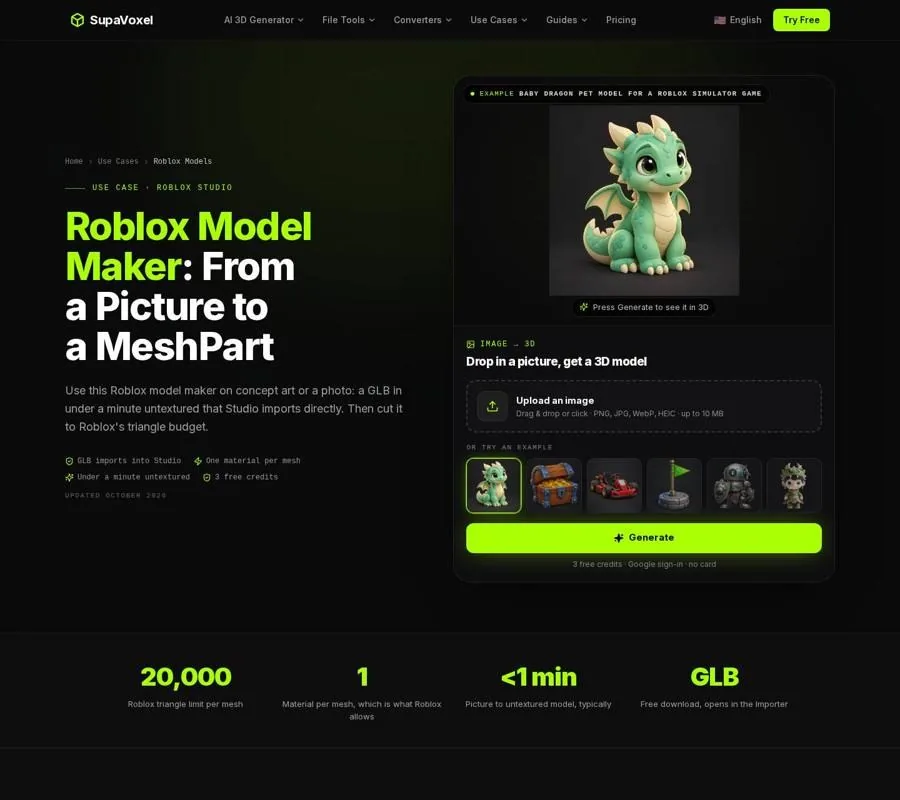
The Roblox page focuses on reducing a generated mesh below the platform’s per-mesh triangle limit before importing it into Studio.
Second Life has a different set of constraints. The Second Life mesh workflow uses COLLADA uploads, supports up to 8 materials per mesh, and limits each level of detail to 65,536 vertices. An upload can contain up to 4 levels of detail, and textures can be up to 2048 × 2048. Those limits affect land impact and upload preparation, but they do not define the visual style. A rigid attachment can still benefit from flat shading, clear color regions, and a strong outline.
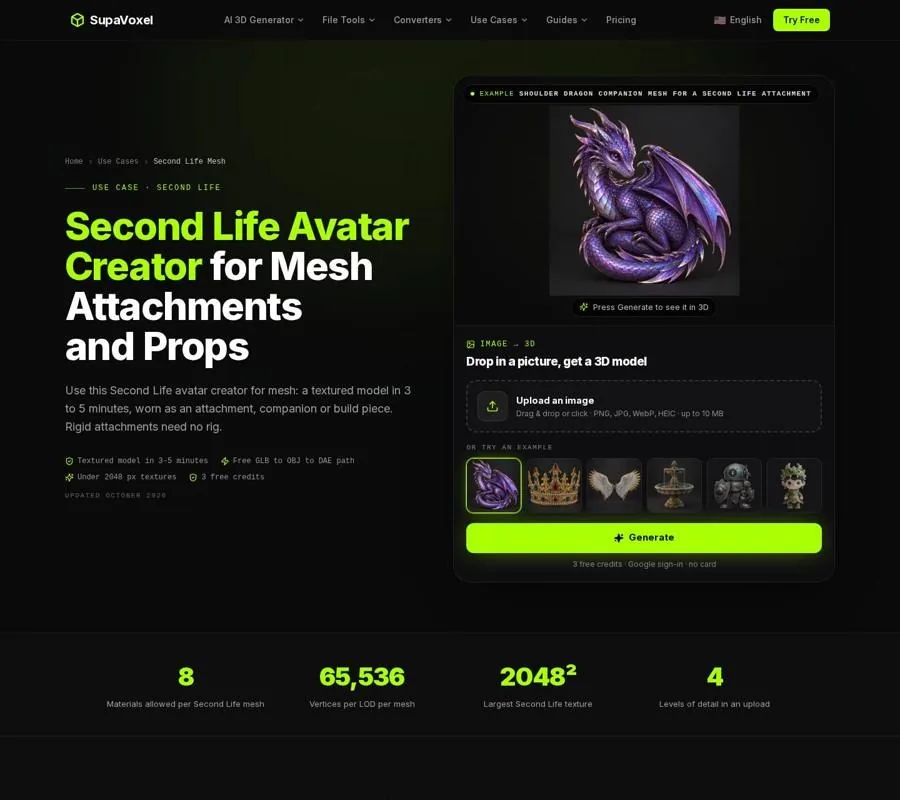
The Second Life Mesh page shows how a generated model becomes a reduced, textured attachment prepared for upload.
If the intended look is made from Minecraft blocks rather than polygonal facets, use the Minecraft 3D model conversion instead. It turns a model into a hollow, block-by-block statue with a build height from 16 to 128 blocks and saves a .litematic guide. That is a voxel treatment, not simply a low-triangle mesh, so changing shading or normals will not produce the same result.
FAQ
Why does my low-poly model look smooth after decimation?
The faces are probably using smooth normals. Apply flat shading in Blender and make sure the game engine imports hard or flat normals. If the object still looks smooth, inspect it with a plain material to separate the shading problem from the texture.
Should I keep the original texture on a low-poly mesh?
Only if the texture supports the reduced geometry. Photographic detail can make a simple mesh look blotchy. For a clearer low-poly style, use solid colors or large color groups. If the texture must remain, reduce a duplicate with Blender’s Decimate modifier so the UV map survives.
Can I rig a decimated model?
Not reliably without more work. Decimation does not create clean quad loops for bending, so the result is better suited to static props. For a character, retopologize the reduced or original mesh, then rig and weight it for deformation.