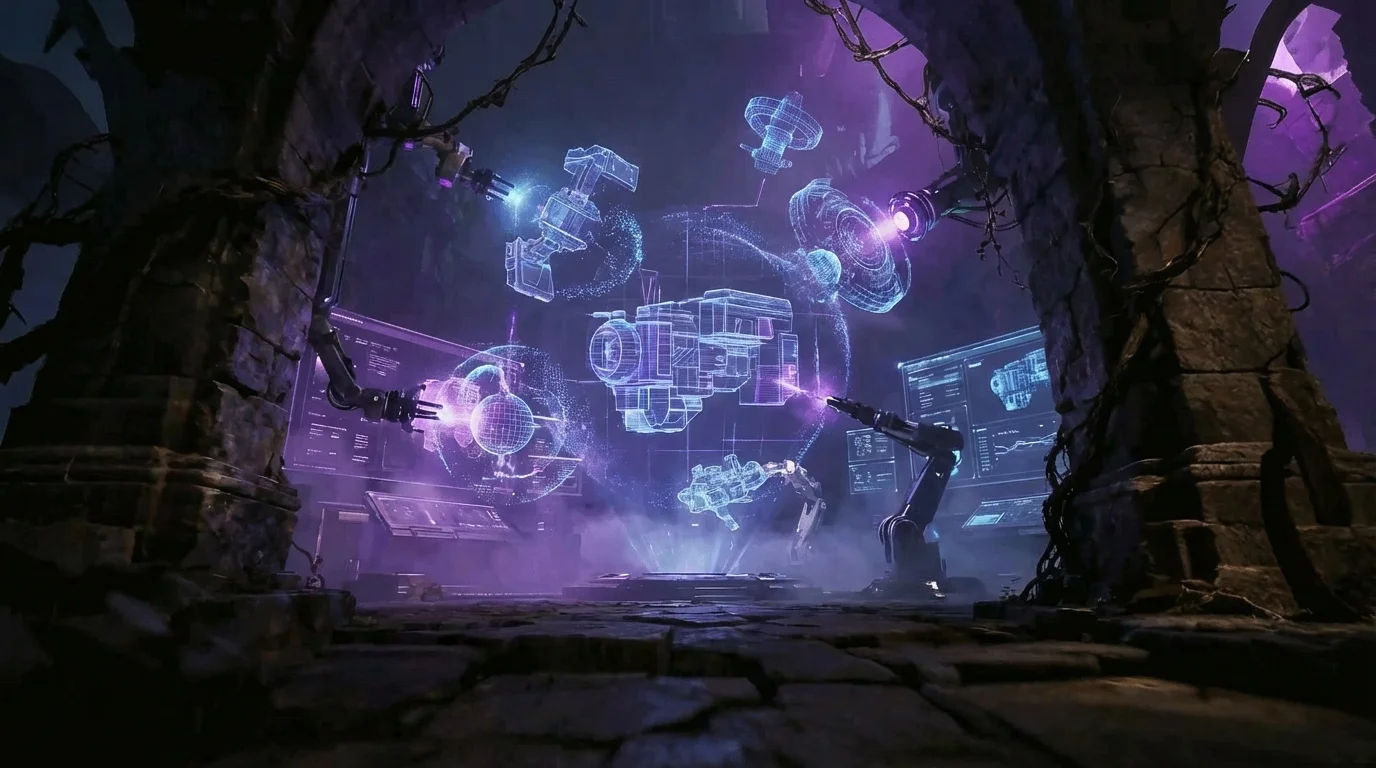
Create Stunning 3D Models With AI
Turn images into production-ready 3D models — no modeling skills needed. Drag and drop an image below to try the Image-to-3D AI Generator.
Drag & Drop an image here
or click to browse from your computer
Supports JPG, PNG, WEBP (Max 5MB) Scroll to Discover


How It Works
Create 3D models from any idea in three simple steps
Upload or Describe
Drop an image, paste a photo, or type a text prompt describing the object you want to build.
Your Asset Gets Built
Our AI engine processes your input and builds a high-quality 3D model with clean geometry in moments.
Download & Use
Export your 3D creations in popular formats (FBX, OBJ, GLB, STL) ready for games, printing, AR/VR, or animation.
Core AI Capabilities
Everything you need to go from idea to production-ready 3D asset in a seamless workflow.
AI 3D Model Generator
Turn text or images into high-quality 3D models in seconds, with sharp geometry and solid topology ready for production.
Drag, Upload or Paste Image
JPG, PNG, WEBP Size≤5MB

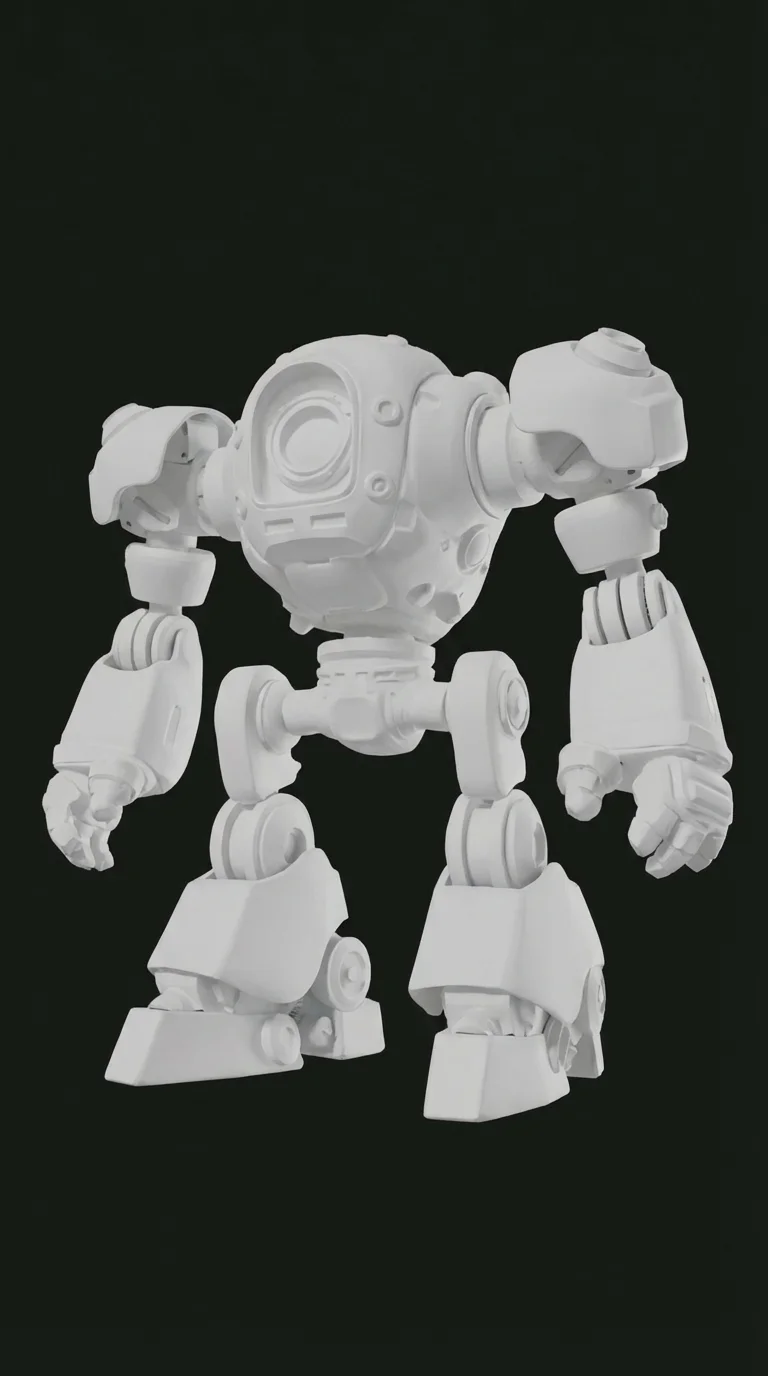
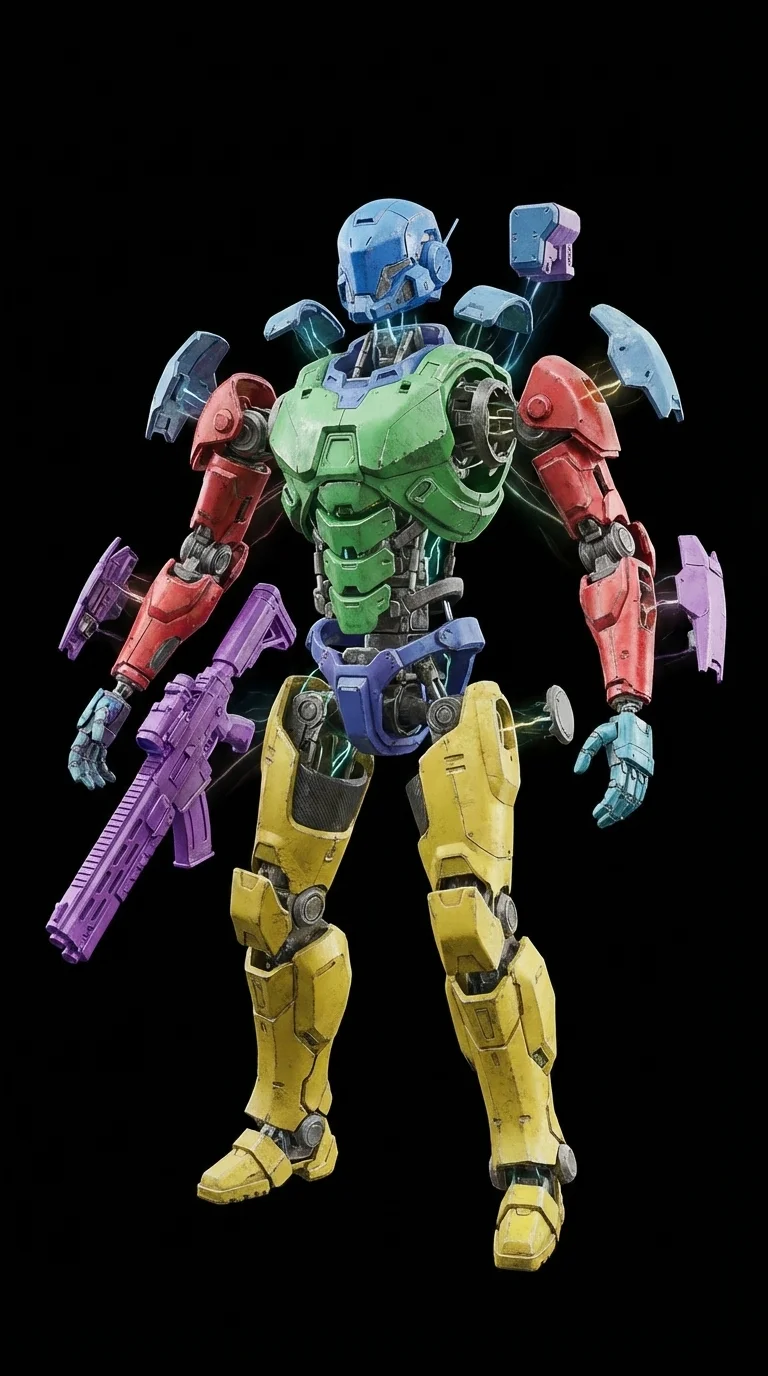
Intelligent Segmentation
Split complex 3D objects into structured, editable parts with clean edges. The system automatically detects logical boundaries, perfect for modular 3D game assets and customizable product configurations.
AI Texturing
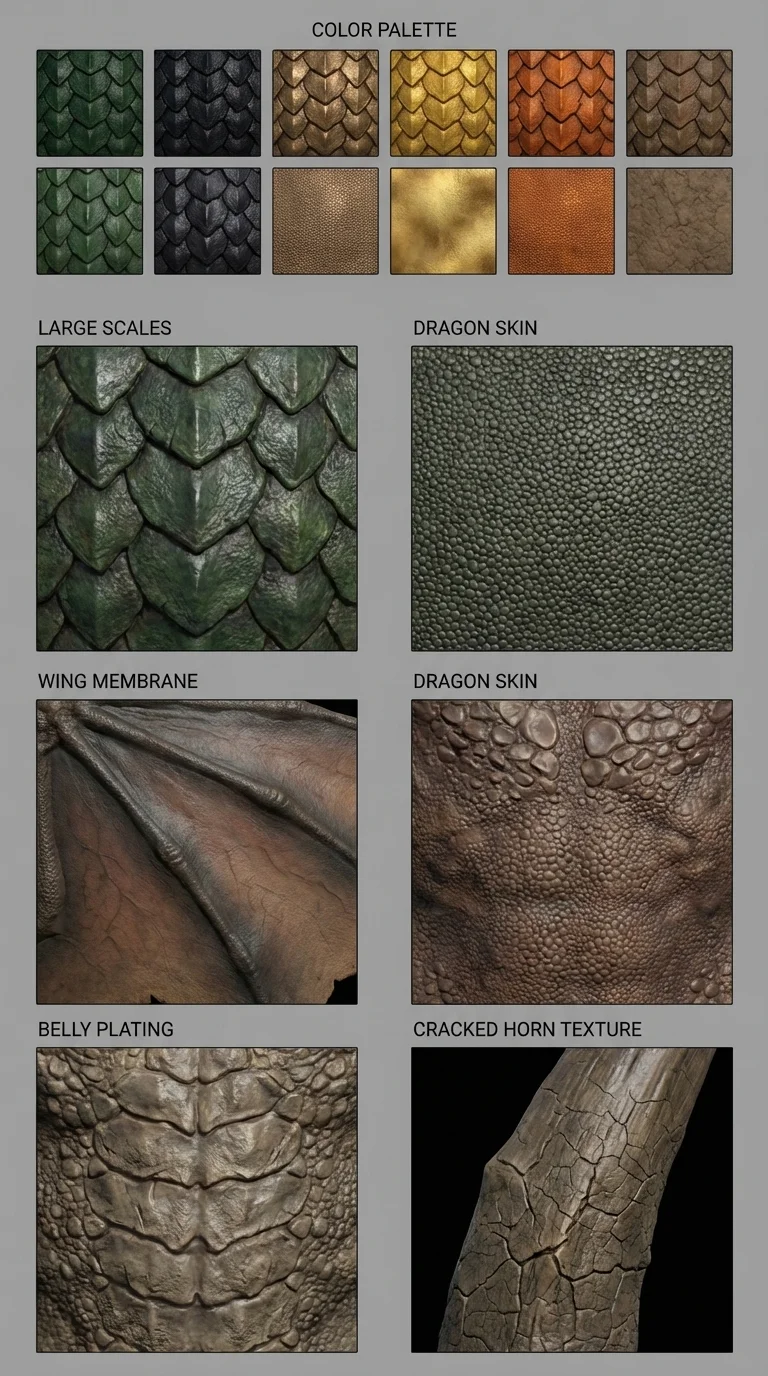
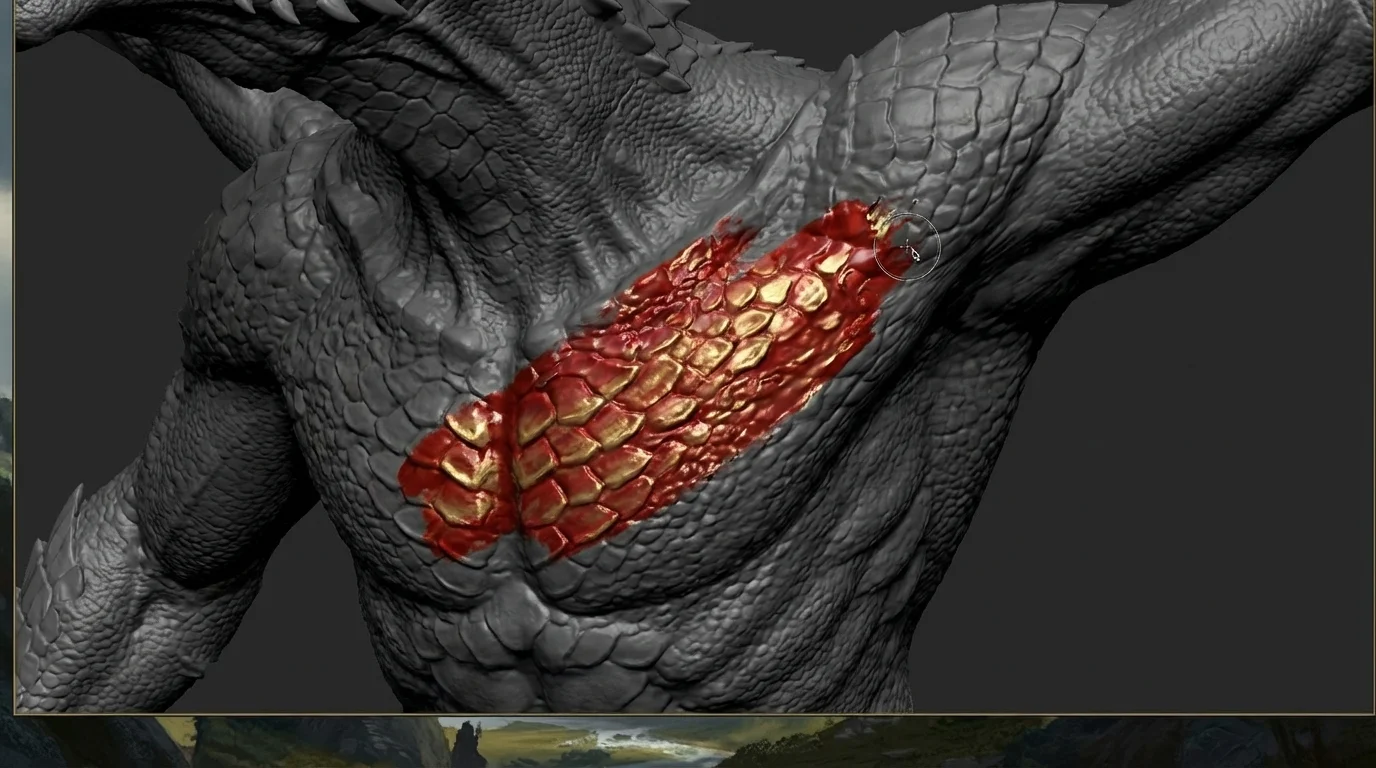
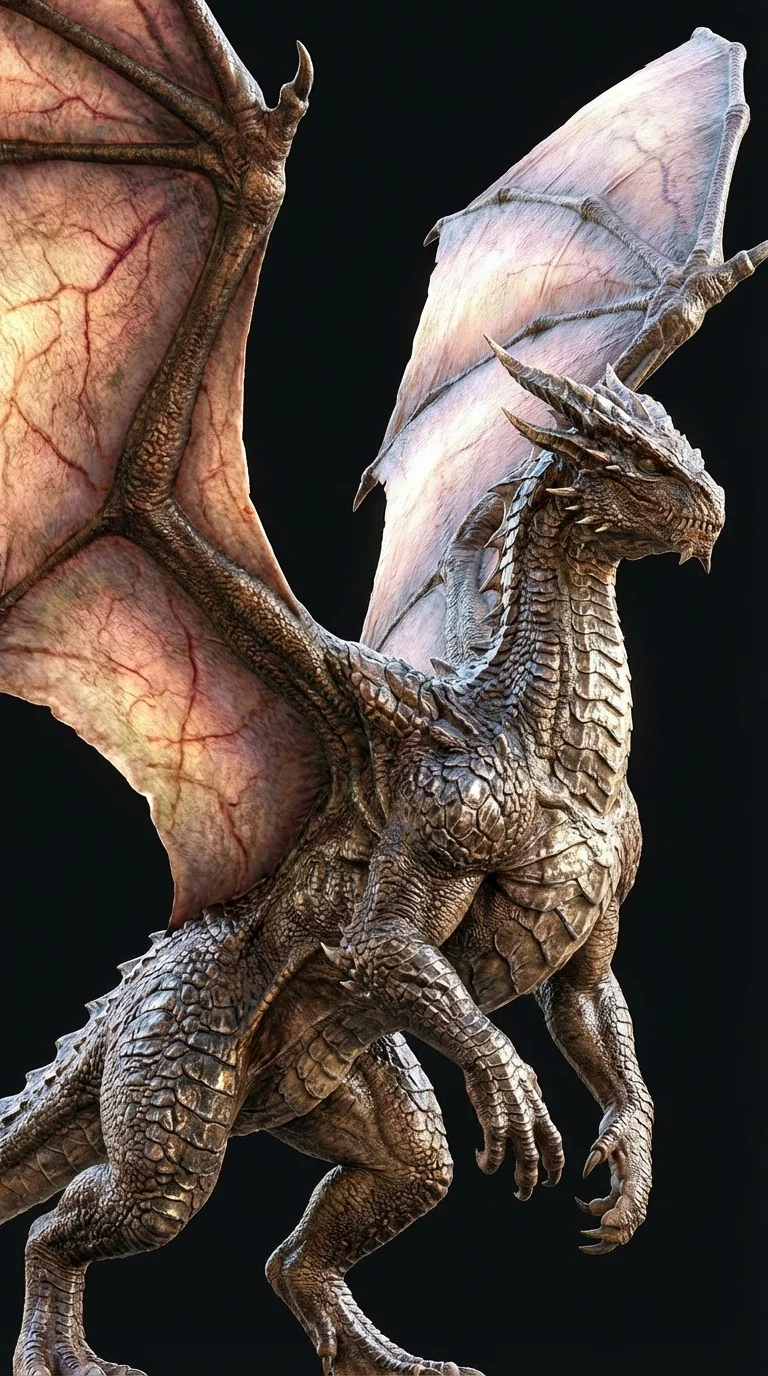
Apply high-resolution 4K, PBR-ready textures in one click. Magic Brush enables seamless local repaint and precise detail control over specific surface areas. Supports albedo, normal, roughness, and metallic maps.
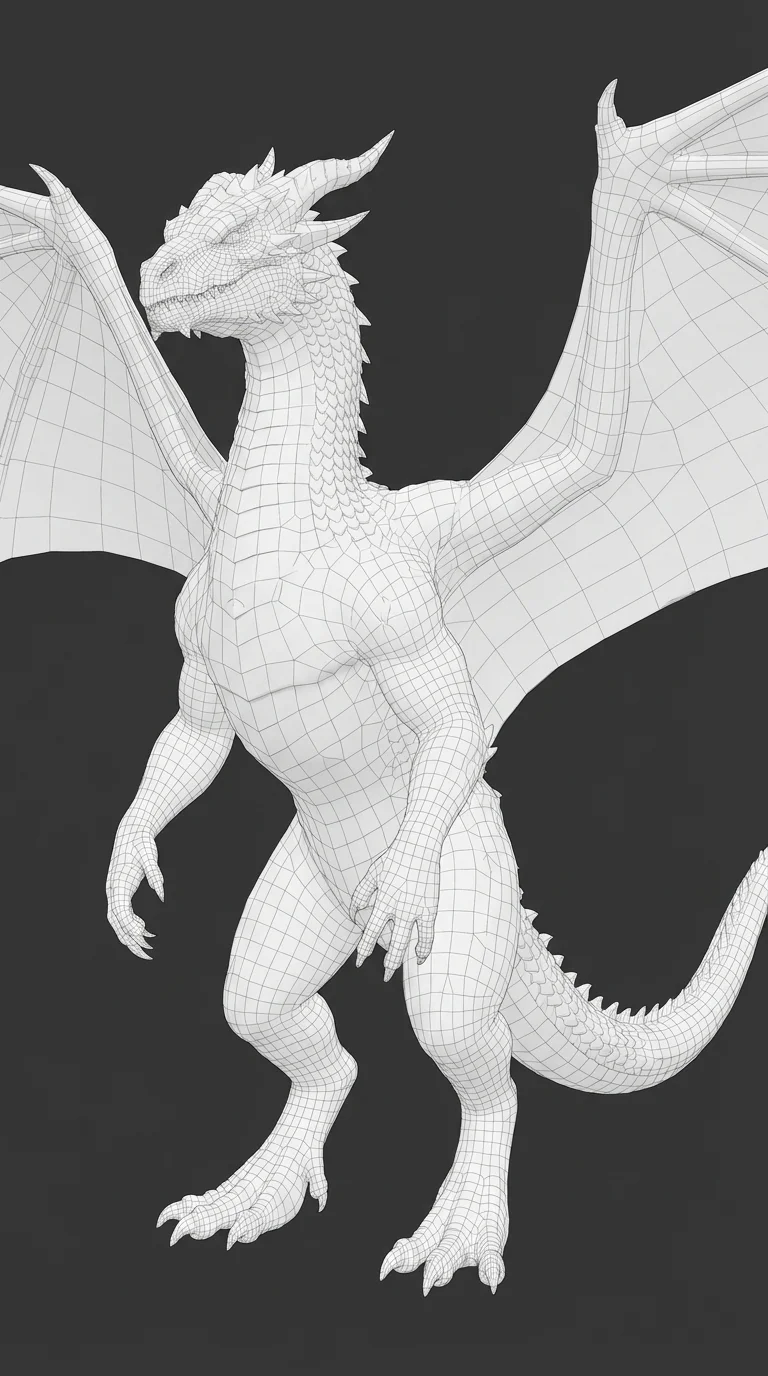
Auto Rig and Animation
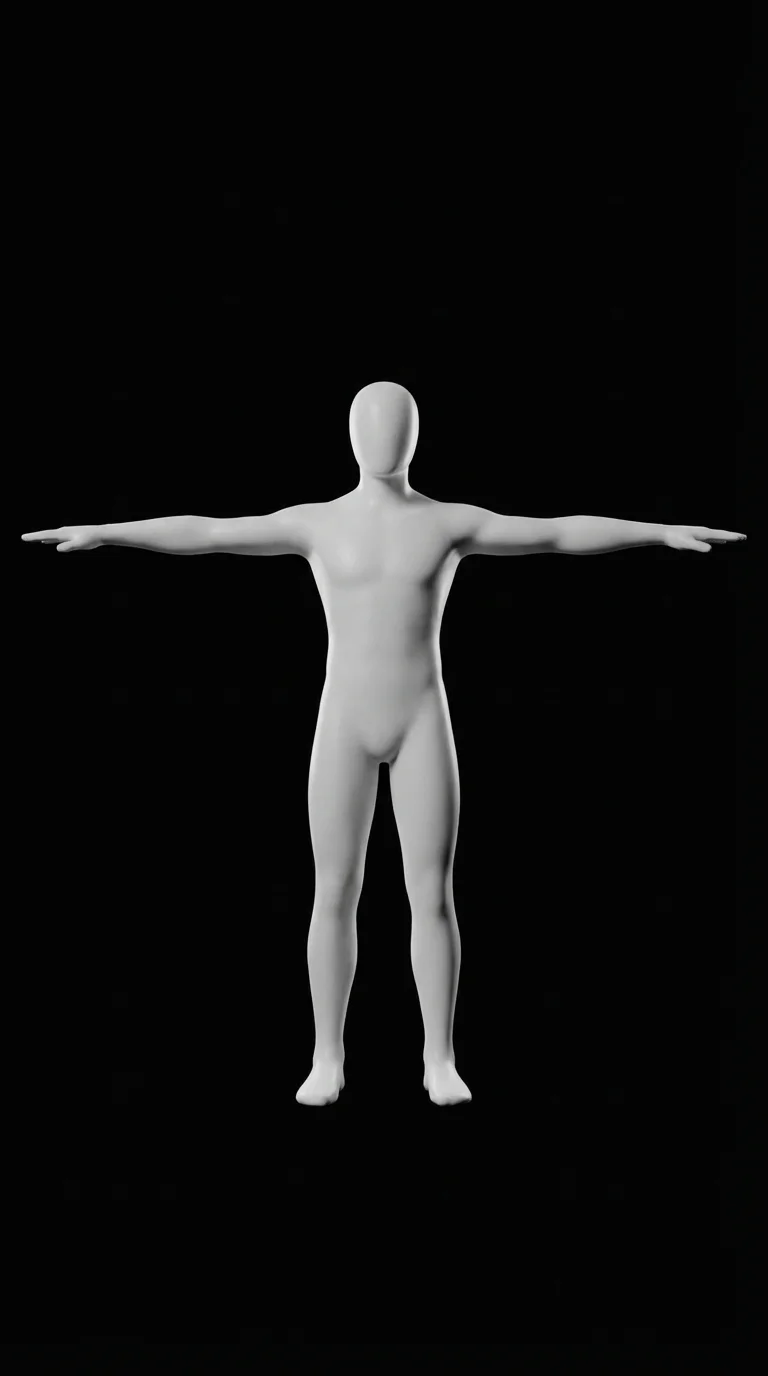
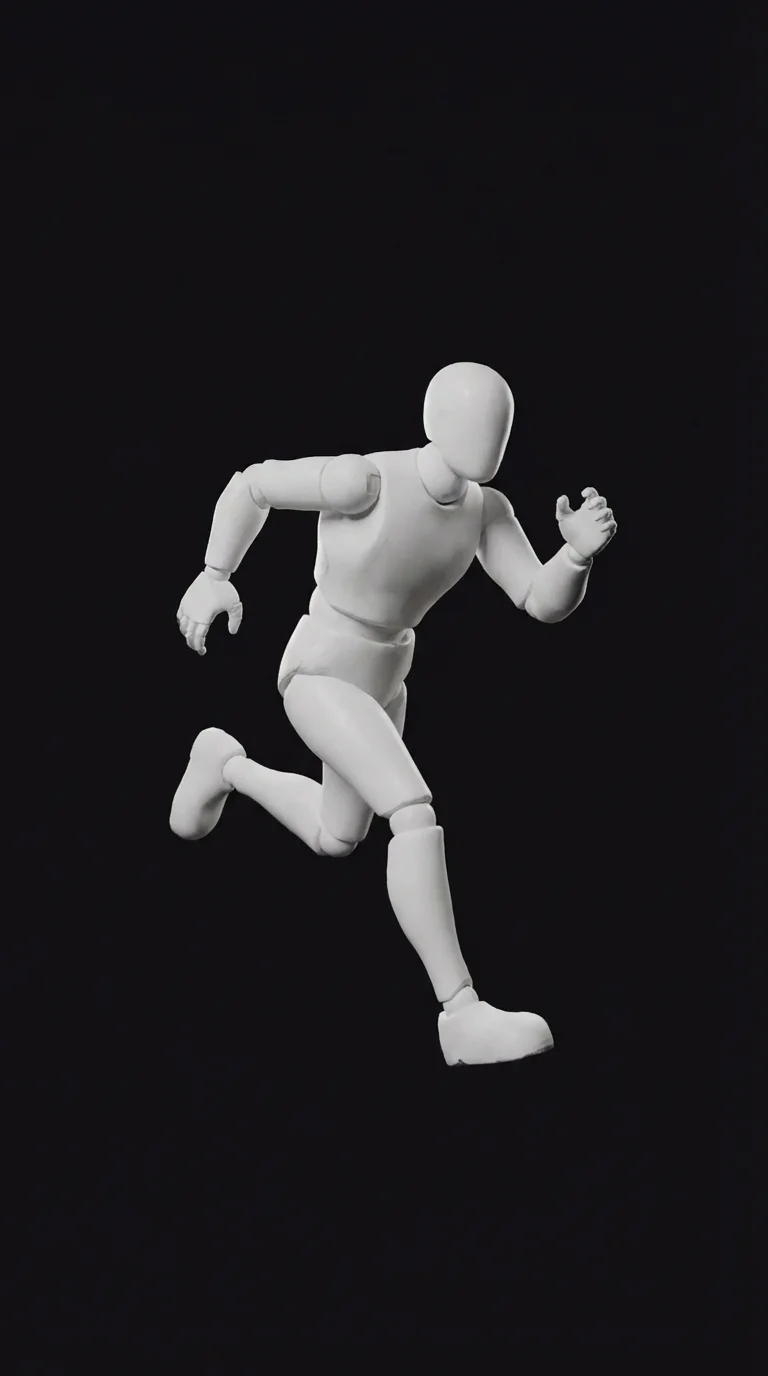
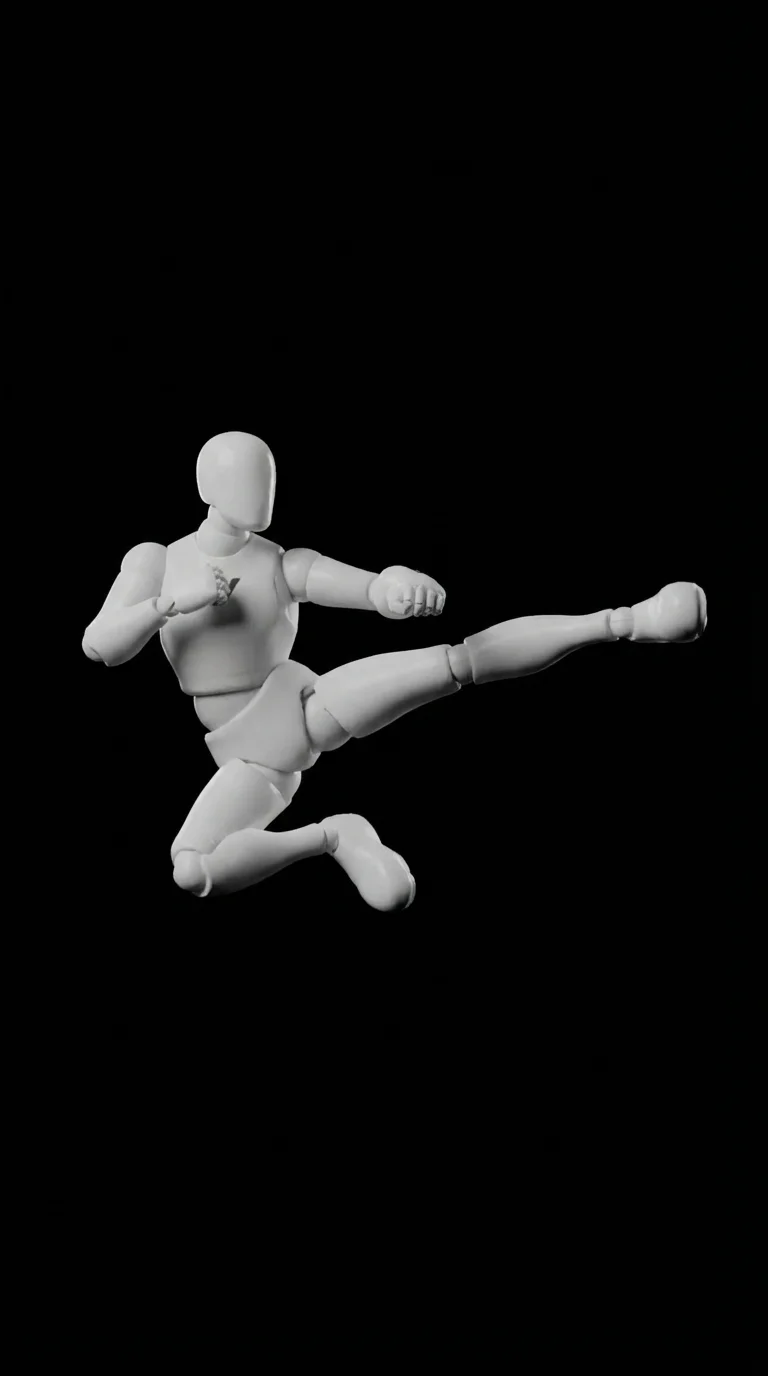
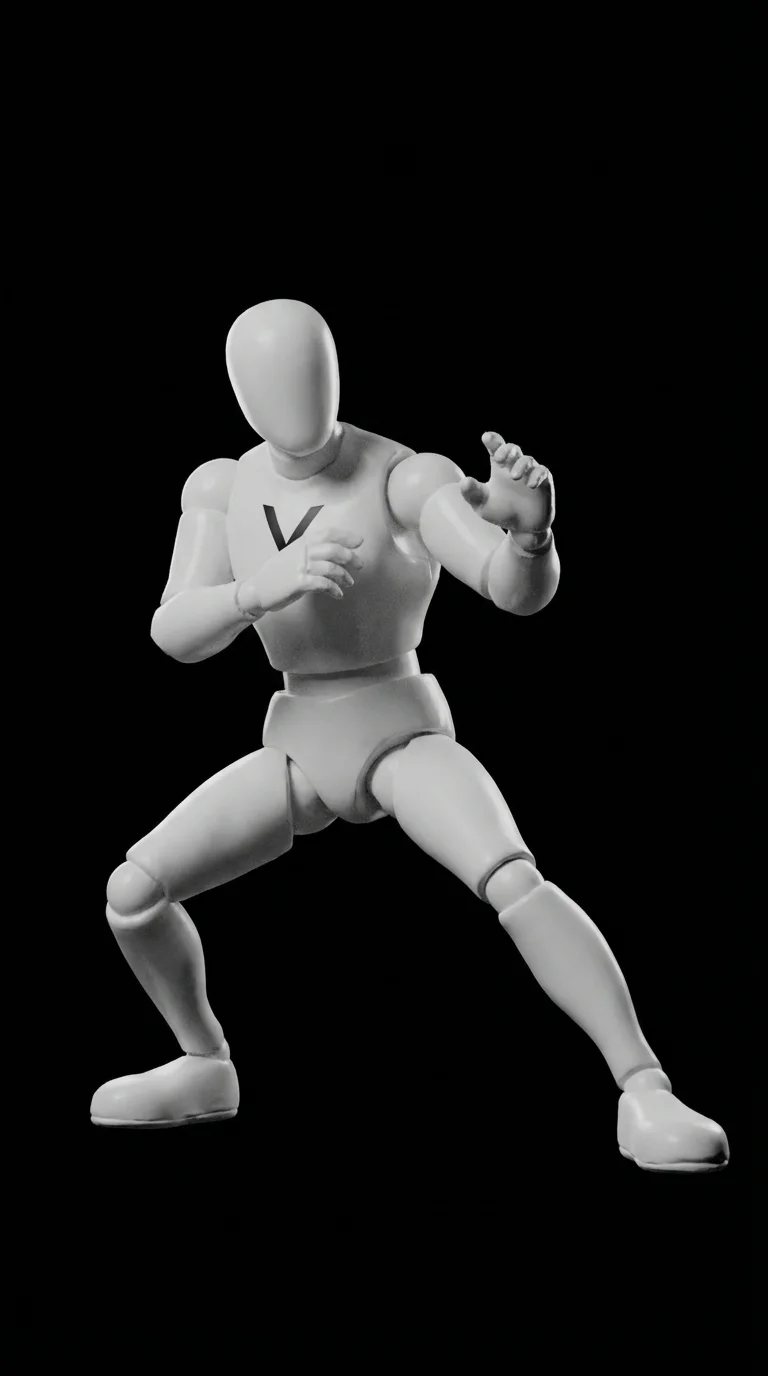
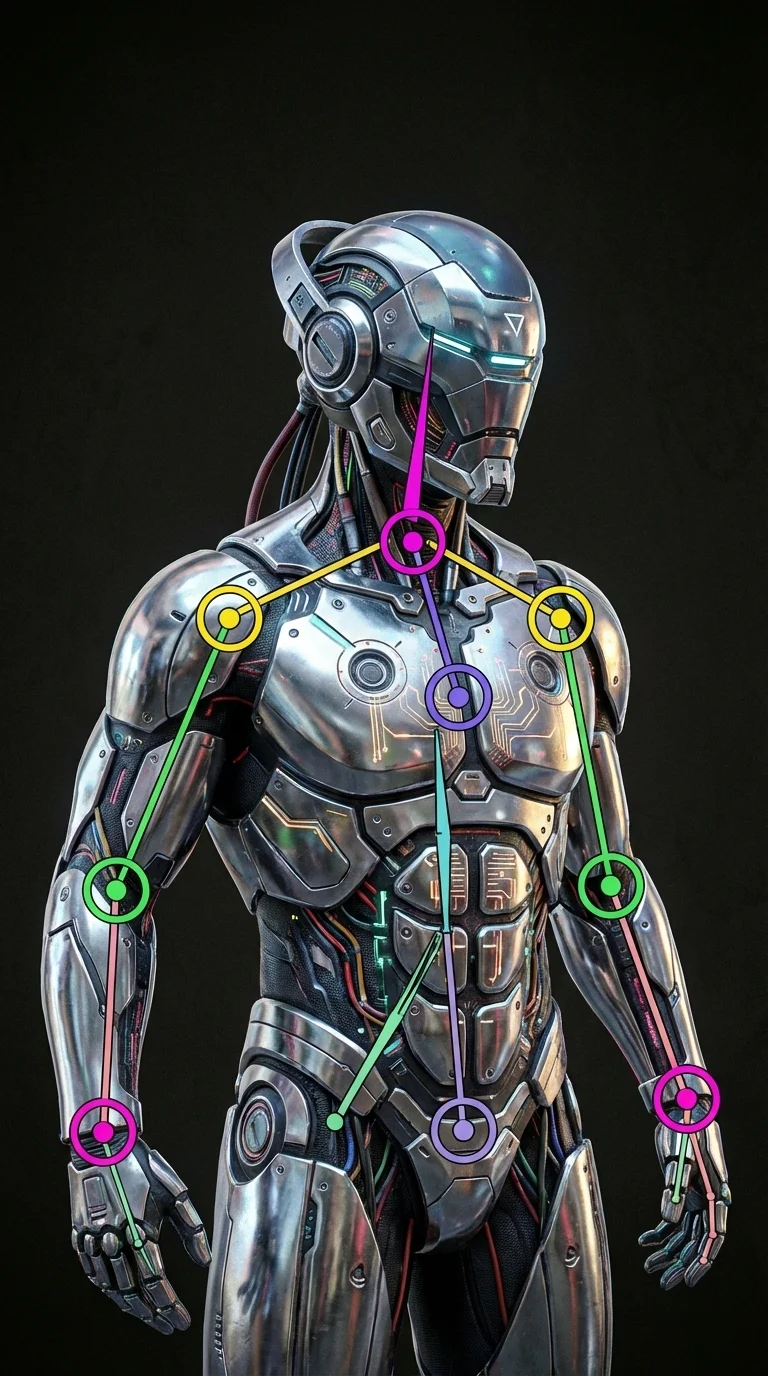
Bring your characters to life automatically. Our AI detects joints and creates a full skeleton, ready for instant animation with retargetable motions.
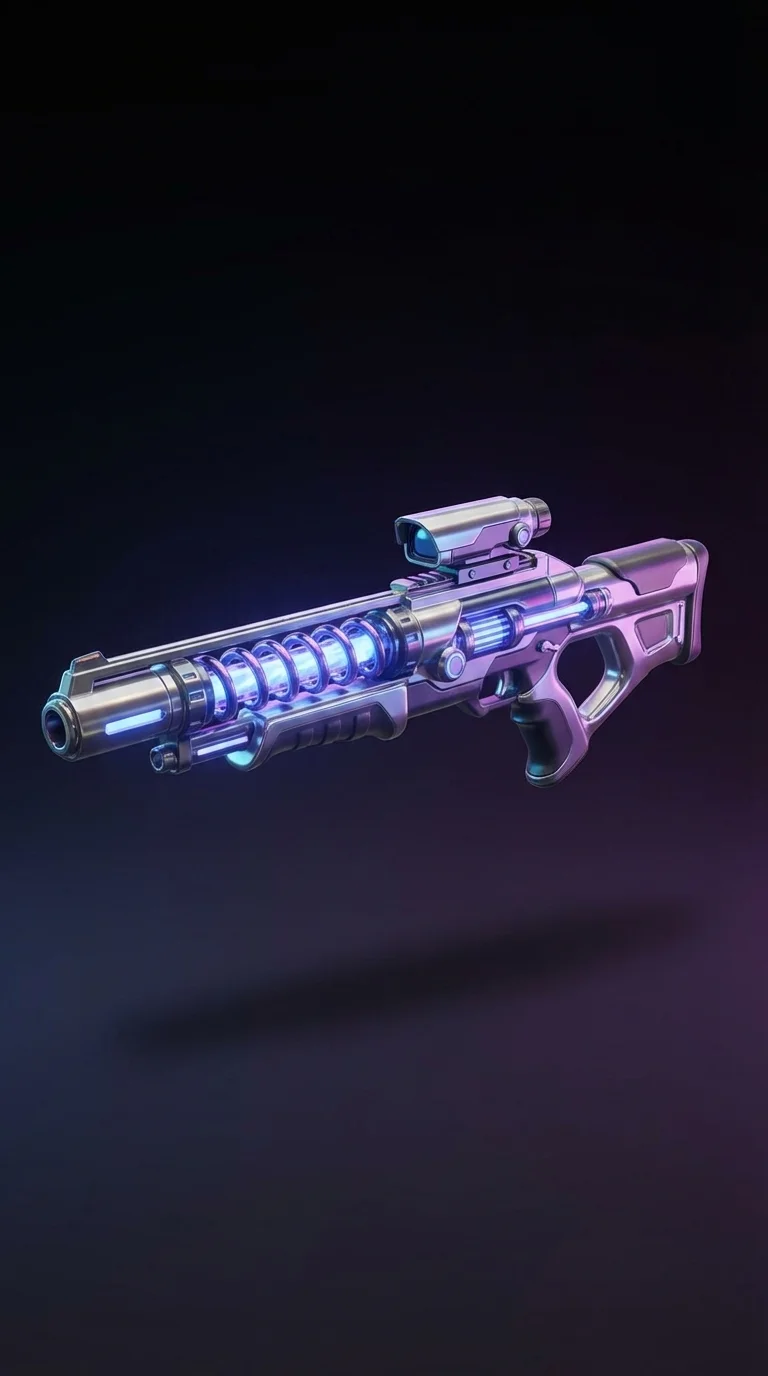
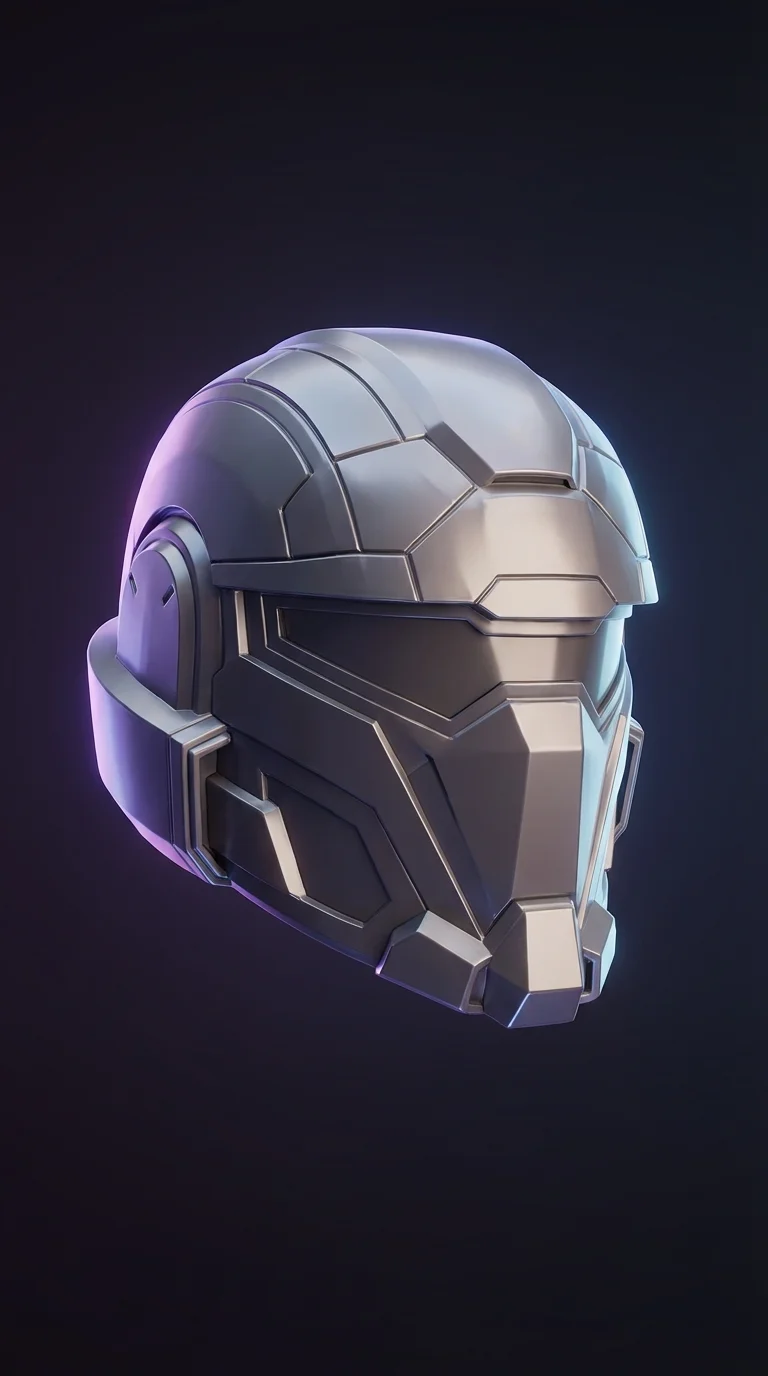
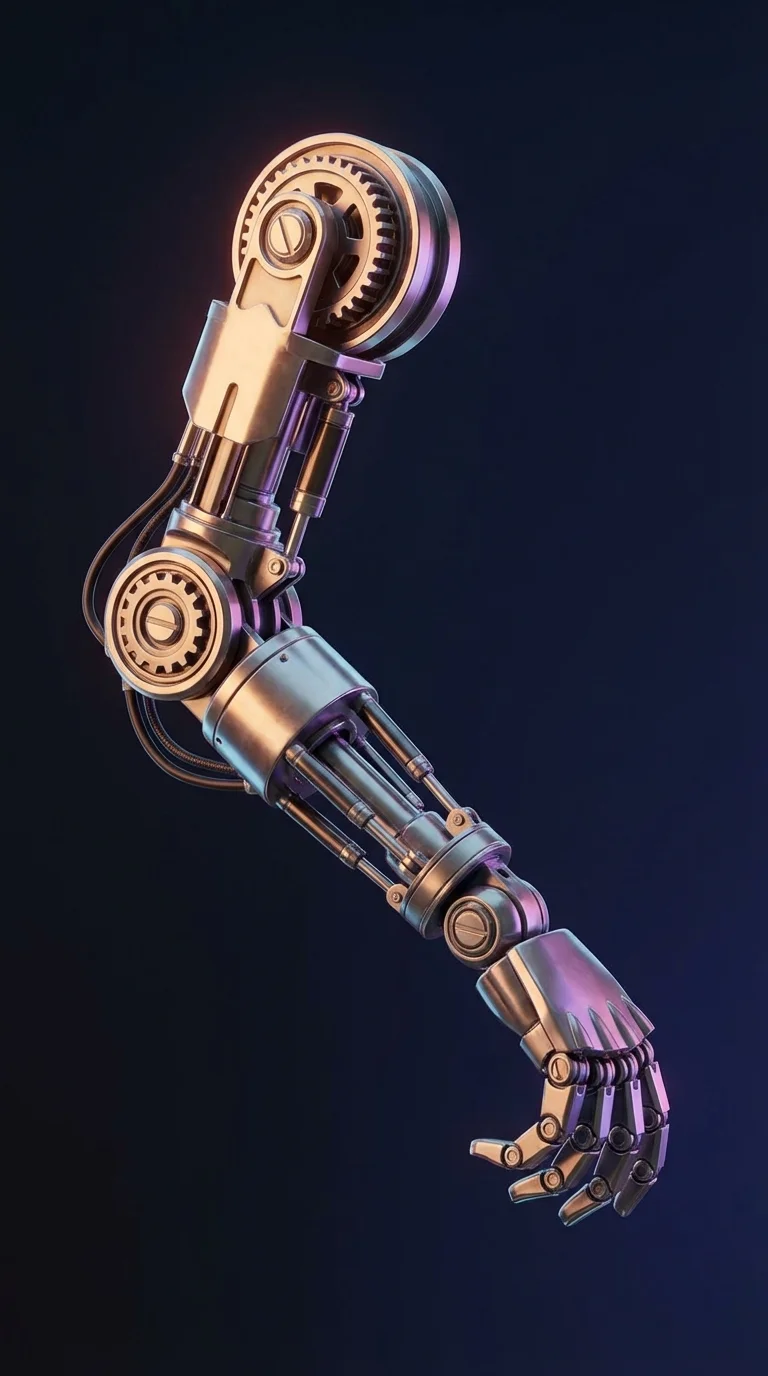
From Idea to 3D Model in Seconds
Turn hours of manual work into moments with AI-powered automation. From text-to-3D and photo-based conversion to smart rigging and texturing, the platform redefines your workflow with smarter algorithms, faster results, and lower cost.
Trusted by a Global Community
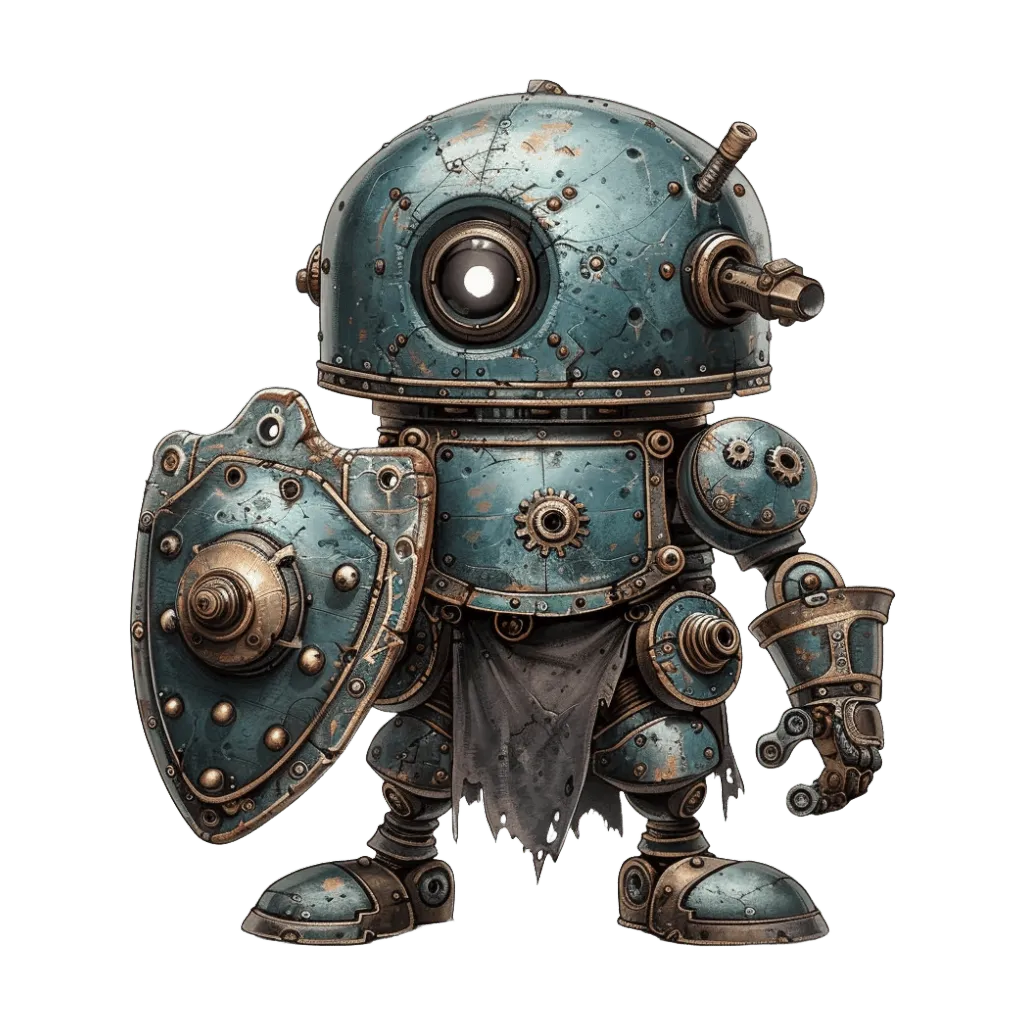
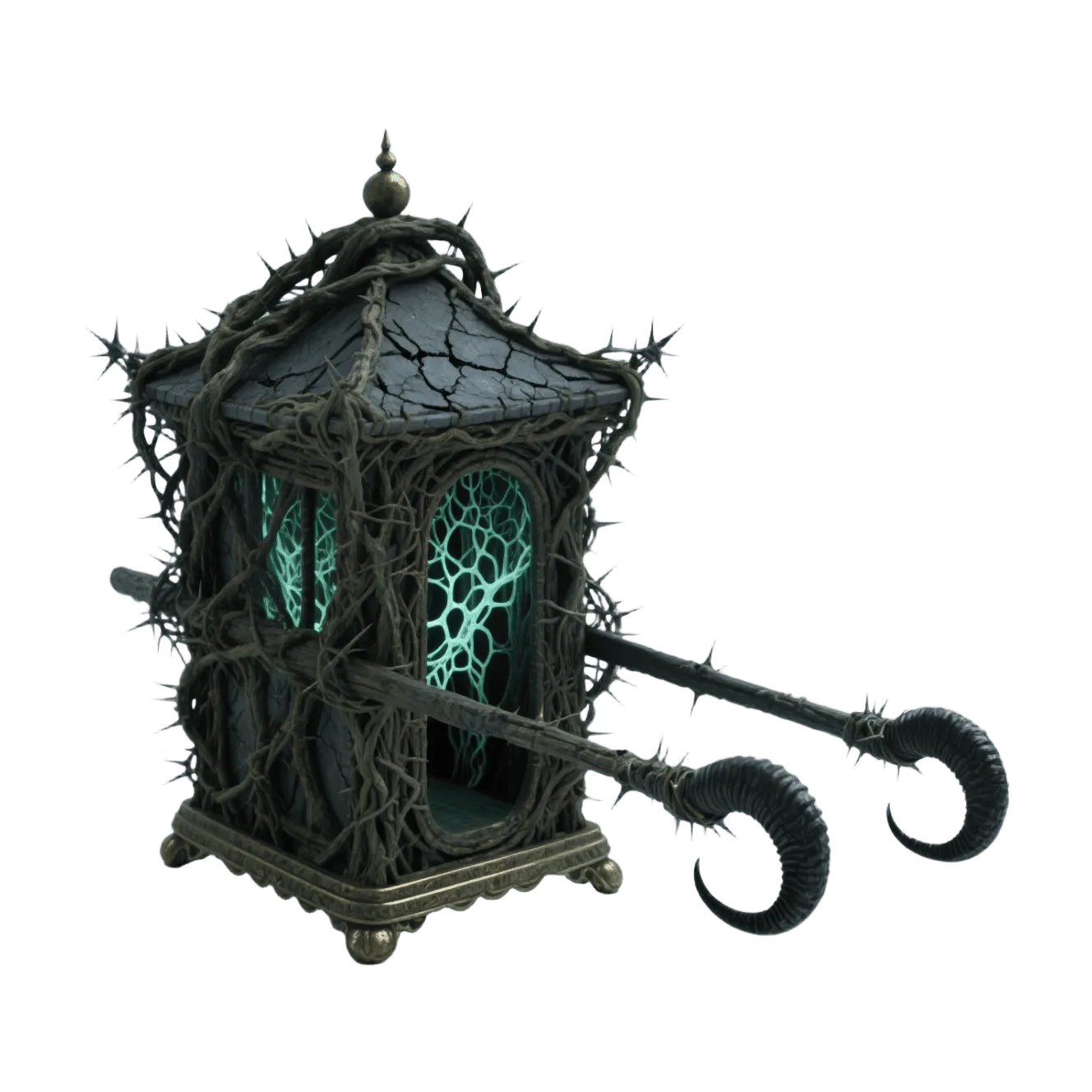
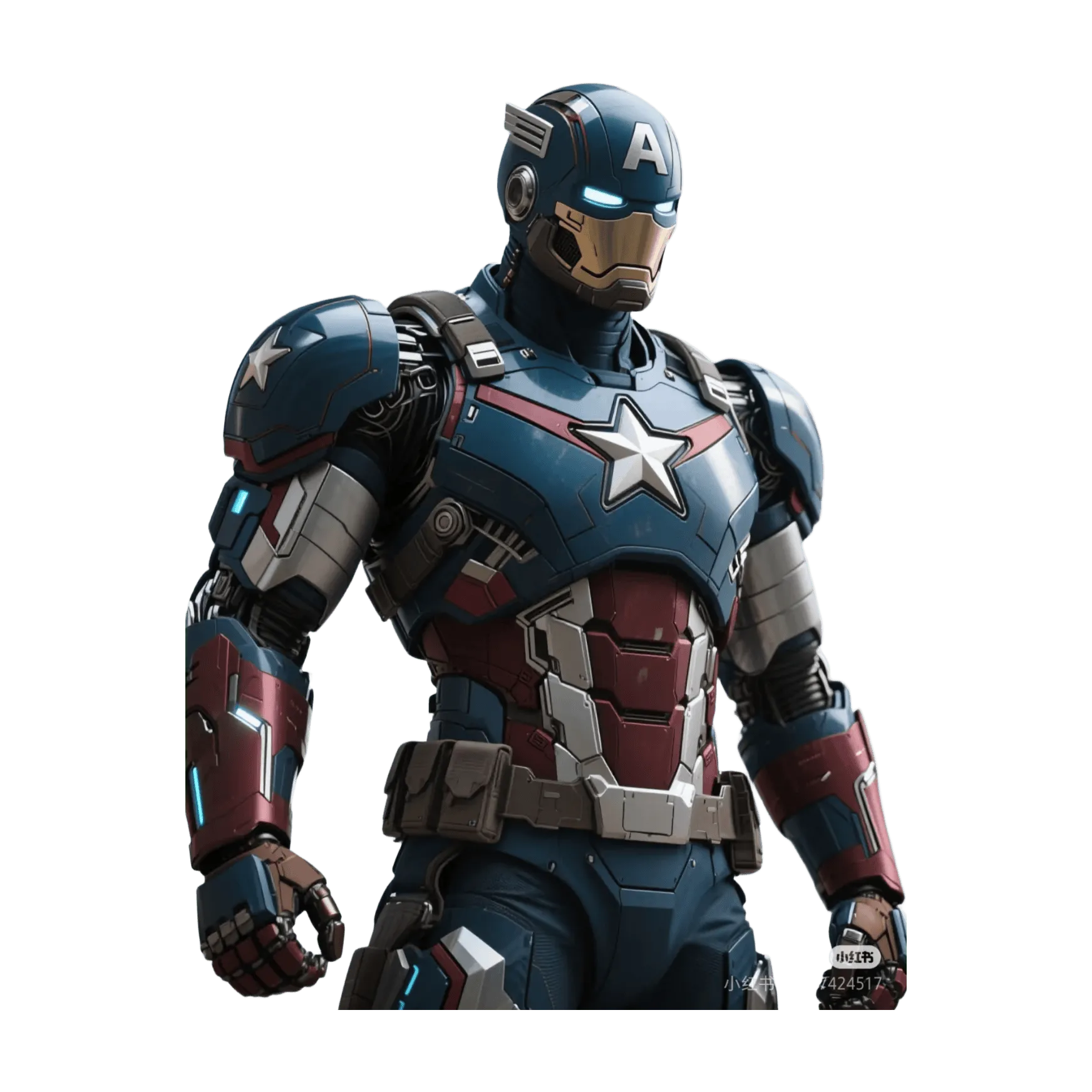
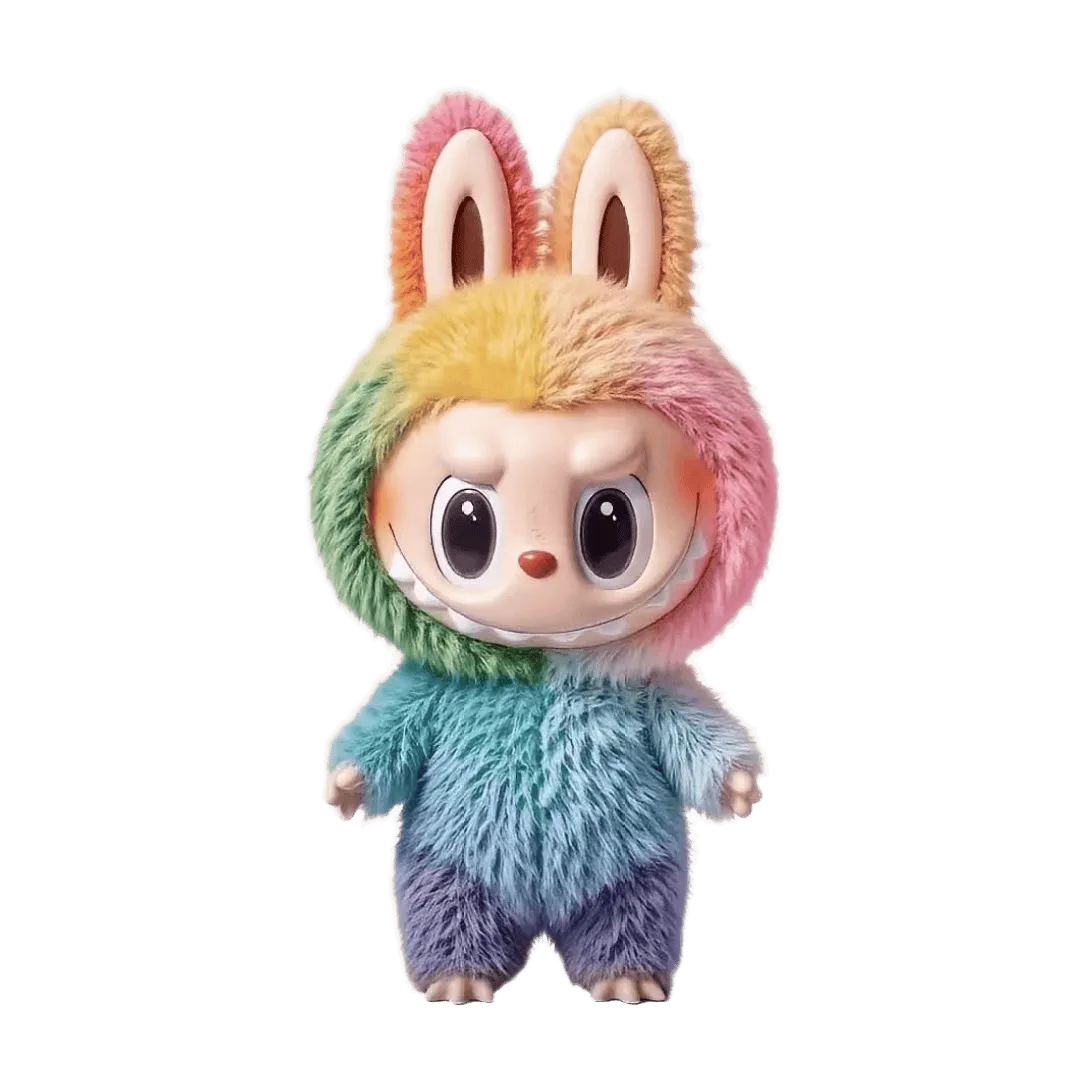
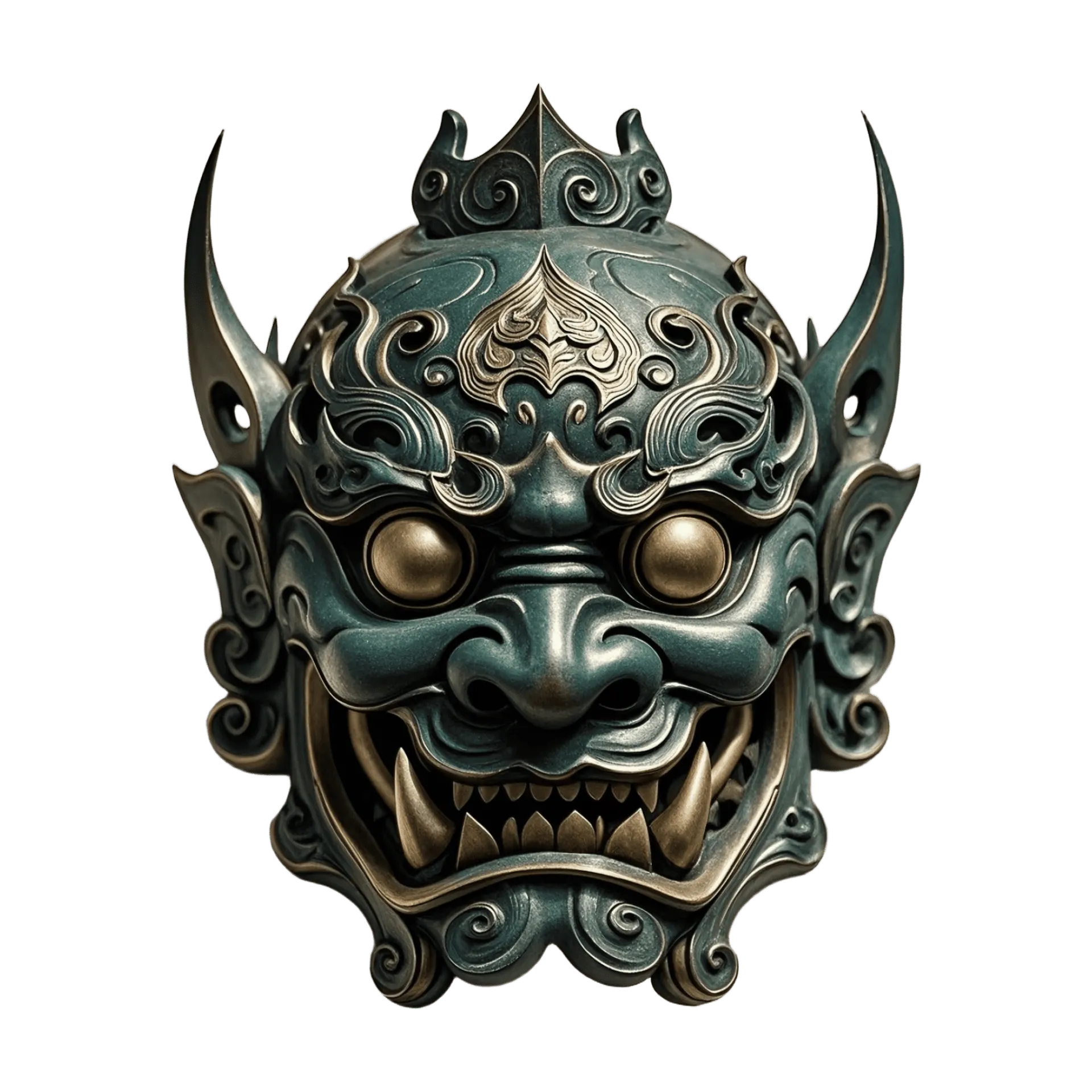
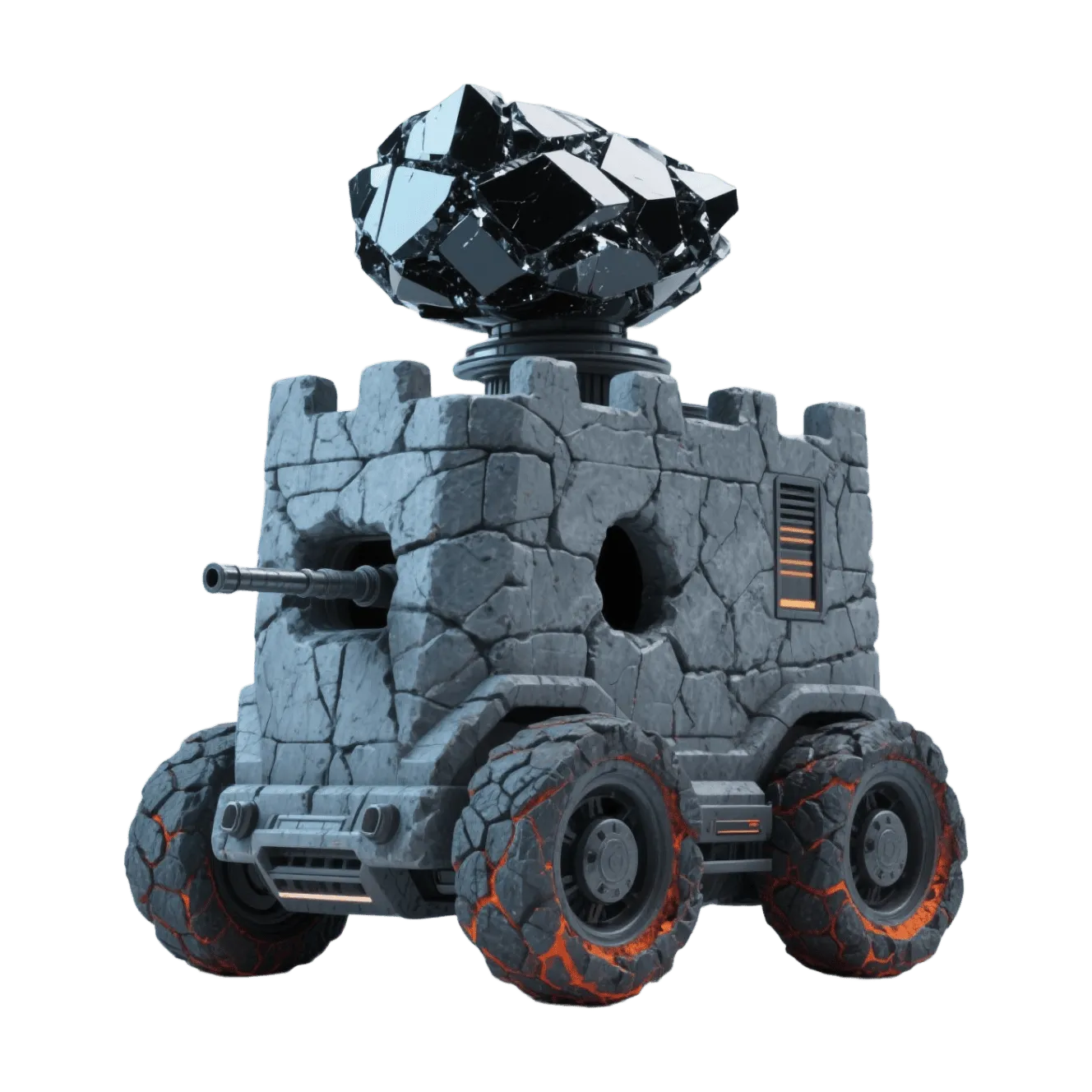
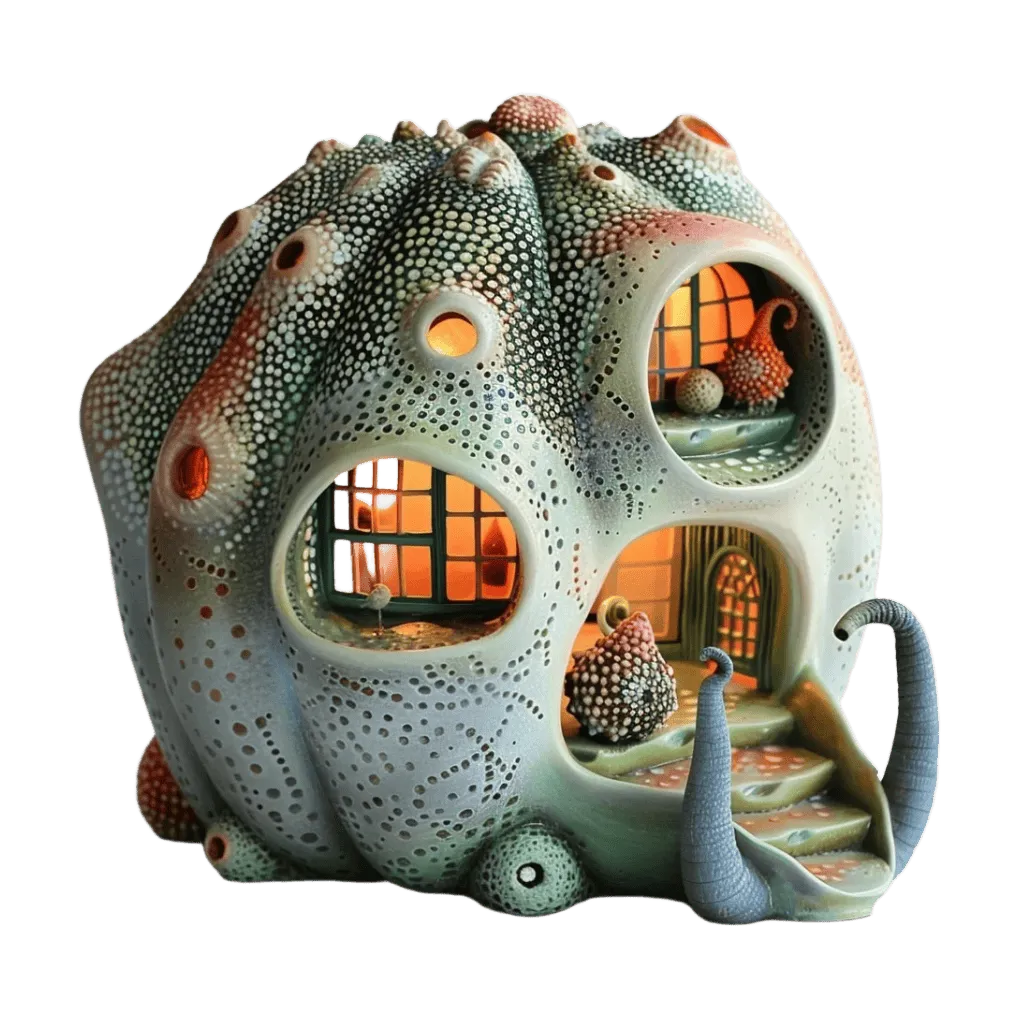
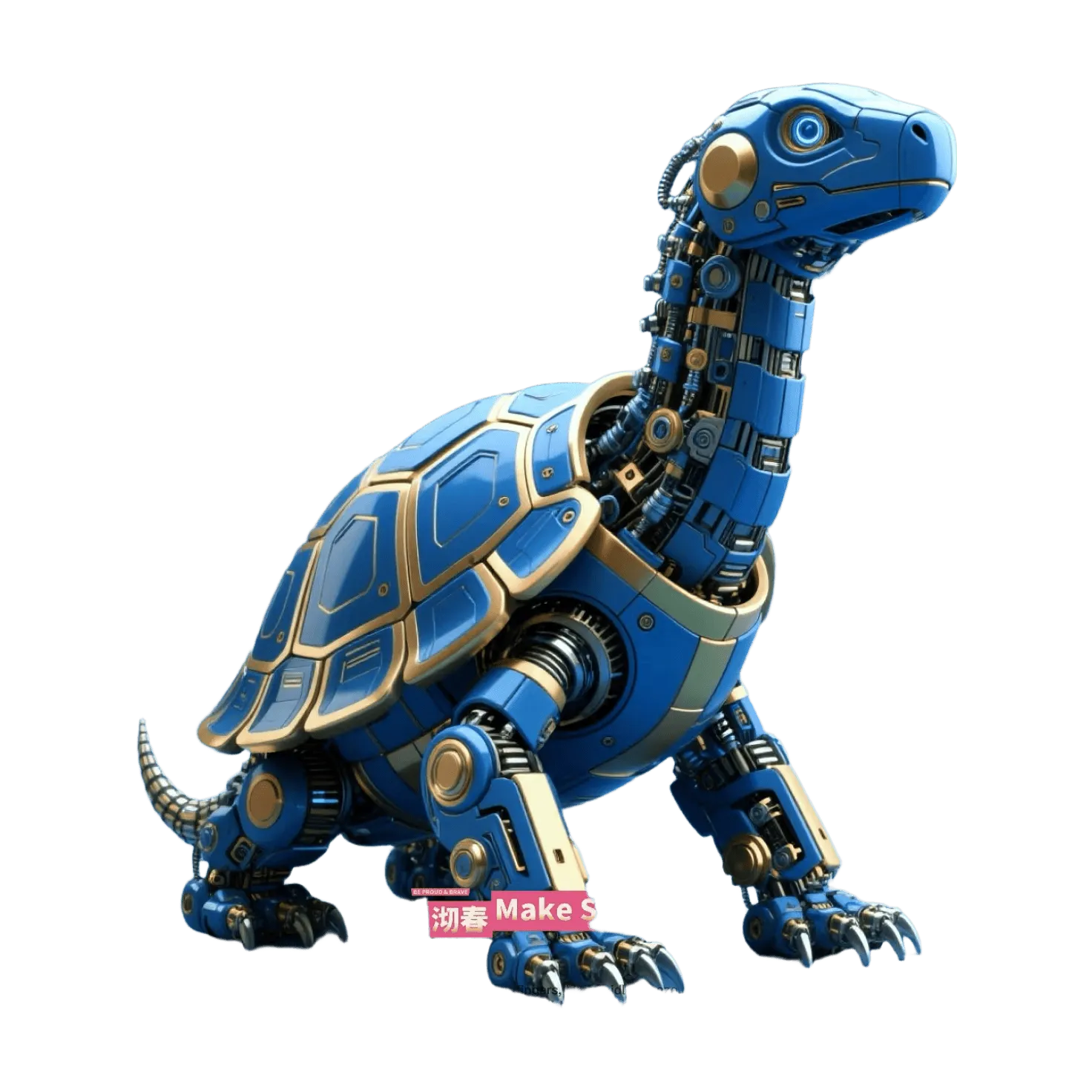
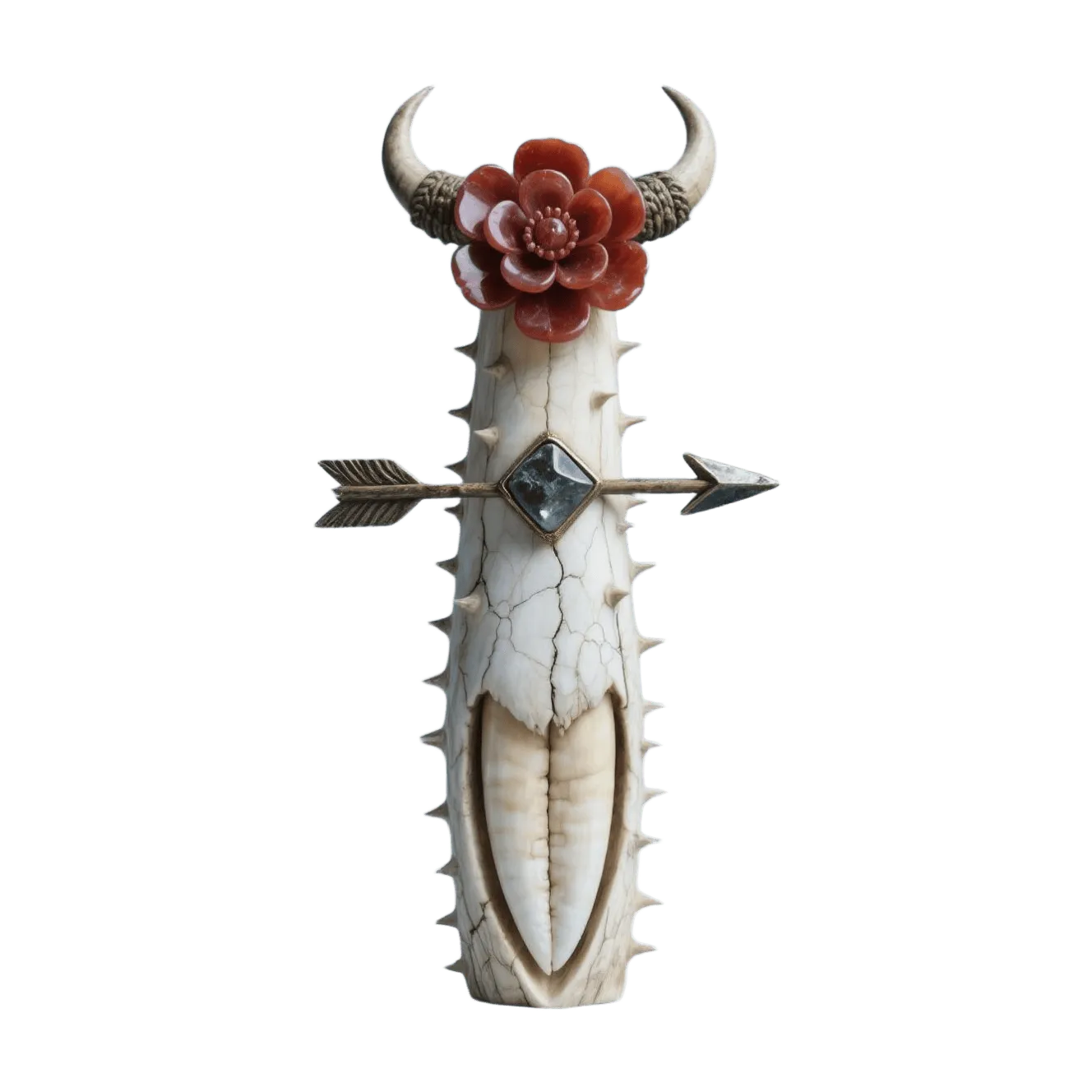
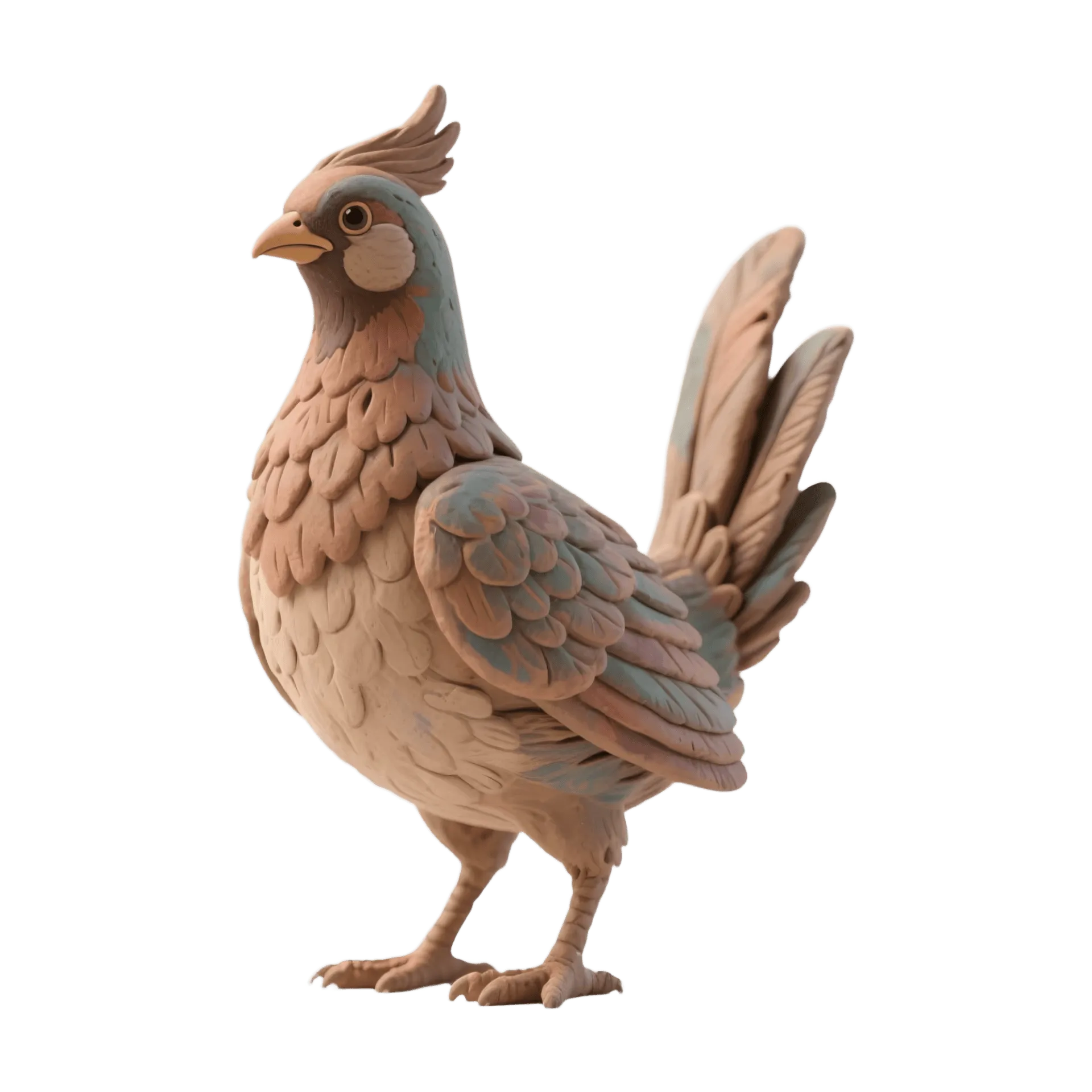
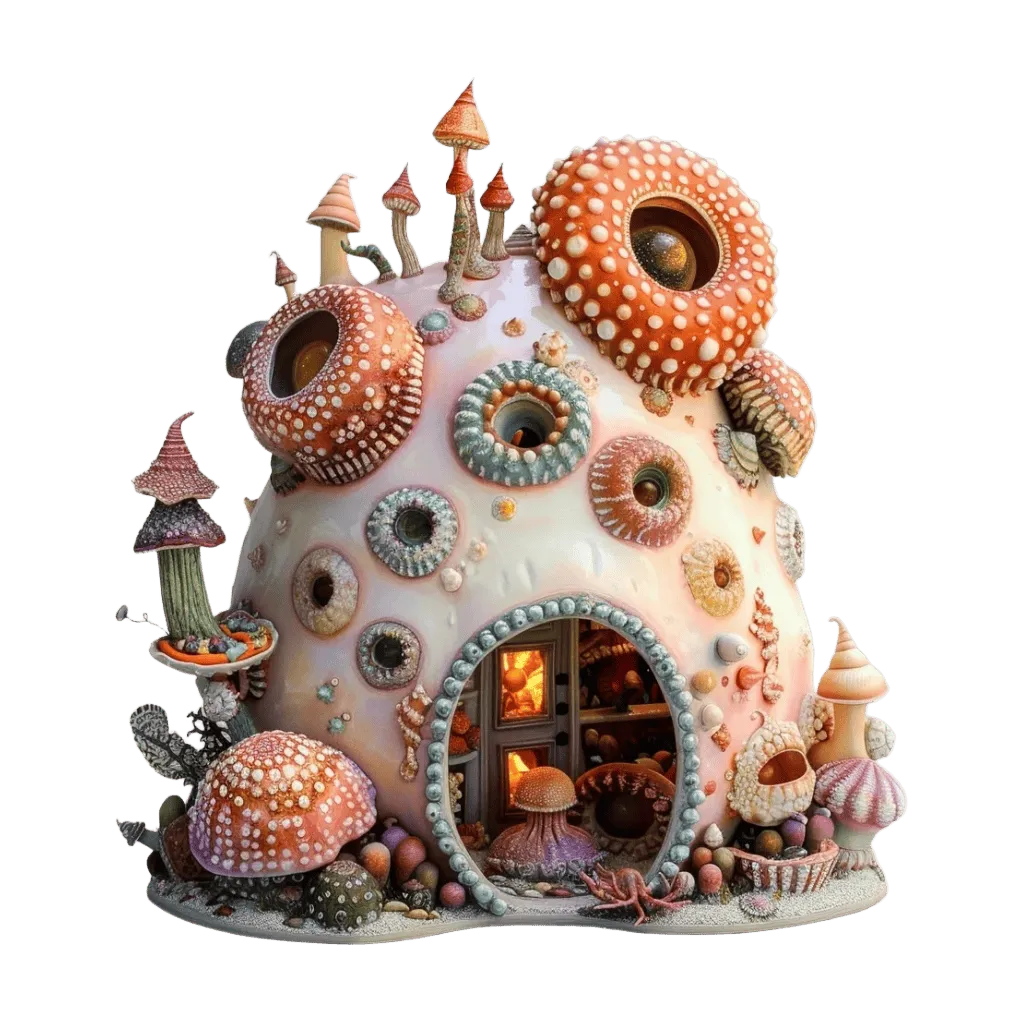
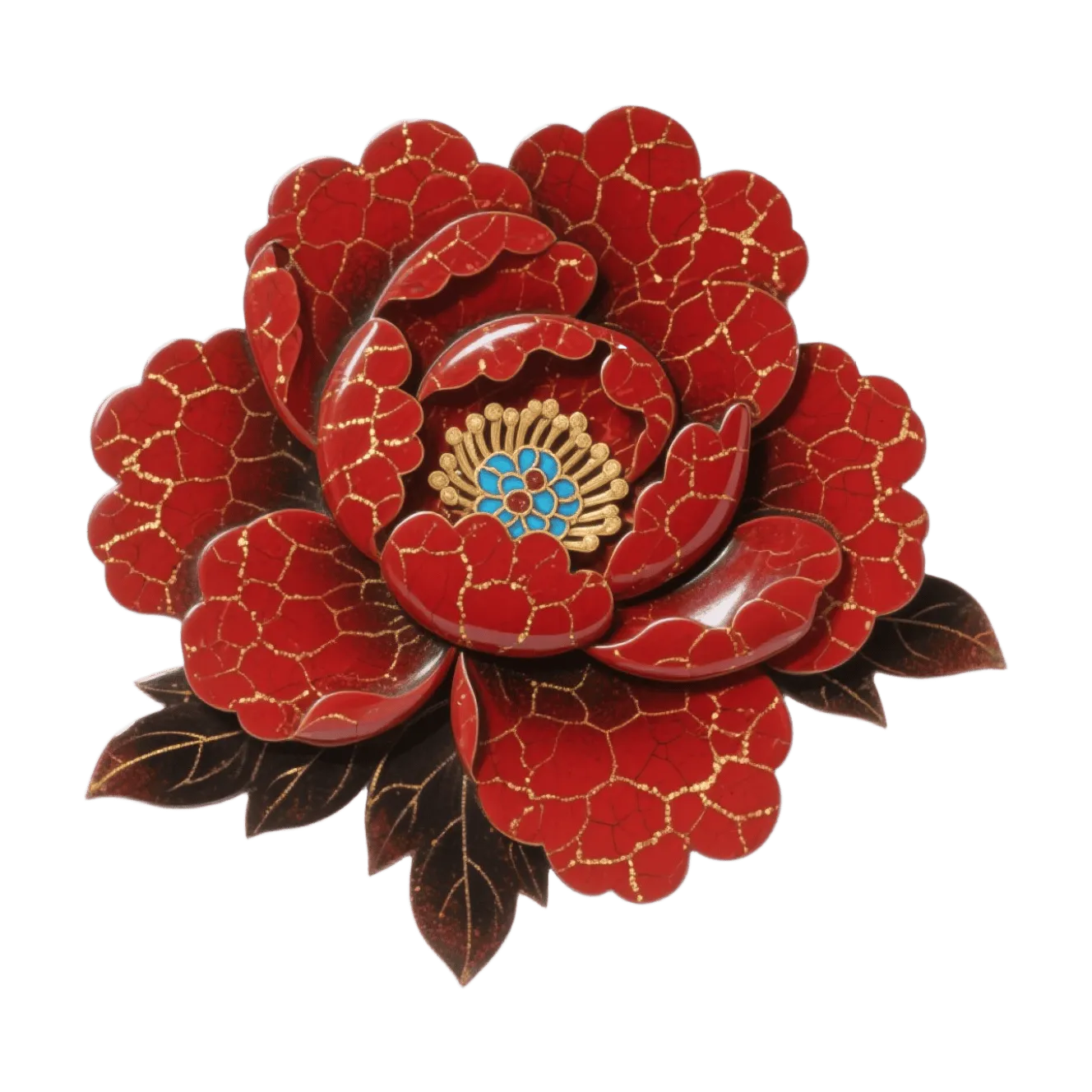
3D Model Showcase Gallery
From image to 3D and text to 3D — see what users are building




Integrate 3D AI Generator Into Your App
Access our powerful engine through a simple REST API. Build advanced features into your product with just a few lines of code. Handle single requests or batch jobs with automatic queuing, webhook callbacks, and detailed status tracking for enterprise-scale pipelines.
- RESTful API with comprehensive documentation
- Create 3D models from text or images programmatically
- Support for FBX, OBJ, GLB, and USDZ formats
- Batch processing for high-volume workflows
- SDKs for Python, JavaScript, and Unity
import gen3d

# Initialize the client
client = gen3d.Client(api_key="your_api_key")

# Generate 3D model from text
model = client.generate(
    prompt="A medieval sword with ornate handle",
    format="glb",
    quality="high"
)

# Download the result
model.save("sword.glb")
print(f"Model generated: {model.vertices} vertices")
What Our Community Says
Join thousands of creators who are already accelerating their workflow.
"The auto rigging works surprisingly well. It fits right into my animation workflow in Maya."
"Text to 3D is perfect for fast prototyping. I can block out characters before modeling anything by hand."
"I import the results straight into Unreal Engine, and most of the time I don't need to touch the mesh."
"I tested multiple photo-to-3D tools, this one gives the most consistent geometry for game assets."
"This tool saved me hours. Upload a photo and get a usable asset with clean topology I can use directly in Blender."
"The photo-to-mesh workflow is surprisingly good. I just drop in an image and get something usable right away."
Frequently Asked Questions
Everything you need to know about creating 3D models
3D AI Generator
3D File Converter
Convert between 3D file formats instantly. Free online converter supporting GLB, OBJ, FBX, STL, and more. No software installation required.

Showcase
Browse the gallery to see stunning 3D models created by our community. Get inspired and see what is possible with AI-powered 3D generation.
Blog
Dive into our Blog for the latest updates and tips on 3D modeling. Learn from detailed tutorials and community stories to sharpen your skills.
FAQ
Find answers to common questions about 3D AI generation, export formats, and more. Everything you need to get started.
Start Creating 3D Models for Free
No steep learning curve. No wasted hours. Just type, upload, and get stunning 3D assets in moments.
Get Started Free